AI Lip Sync & AI Video Creation

Upload Video
Select a character image
Enter your script, , or
Try an example

Two core capabilities

Two Capabilities to Create Your AI Video

AI video creation and AI lip sync solve different parts of production. Compare their inputs, controls, length, and ideal outputs before choosing a workflow—or combine both in one finished video.

Dimension AI Video Creation AI Lip Sync
Main task Generate new scenes, shots, and motion Make an existing video, photo, or avatar speak or sing
Starting material Text, images, opening and closing frames, or reference media Video, photo, or avatar plus text, audio, or recorded speech
Current maximum length Up to 30 seconds Up to 3 minutes
Core control Scene, action, camera, and visual style Spoken content, mouth movement, and character delivery
Best suited to New scenes, complex movement, B-roll, stories, and ad visuals Talking videos, longer dialogue, presenters, localization, and singing characters
Cost profile Generates the complete visual clip and generally uses more resources Works from existing visual material and generally uses fewer resources
Output A newly generated video shot A character video with synchronized speech or singing

AI lip sync for videos, photos, and avatars

Create Natural Lip-Synced Talking and Singing Videos

Preserve an existing performance with video, or animate one photo into a new talking or singing character.

Video Lip Sync

Add synchronized speech or singing while preserving the source performance.

  • Starts with an existing character video
  • Works with people, avatars, cartoons, and animal characters
  • Keeps the source movement, framing, and scene
  • Best for dubbing, localization, explainers, and longer talking videos
Lip sync a video

AI Talking Photo

Create a talking or singing performance from one character image.

  • Starts with a photo, portrait, avatar, cartoon, or animal image
  • Creates a new character performance from a still visual
  • Requires less source material than a video workflow
  • Best for talking portraits, singing photos, artwork, avatars, and fast character content
Make a photo talk
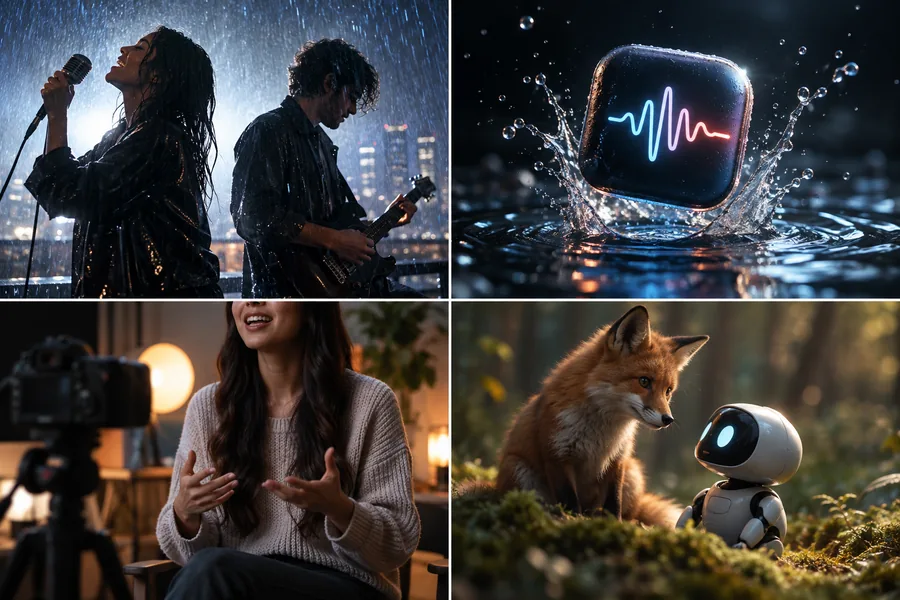
A four-panel collage showing a dramatic couple in rain, a glowing product splash, a presenter in a studio, and a fox with a small robot.

Turn Any Idea into a Video with AI

AI Video Creation can turn an idea, prompt, image, frame sequence, or reference into new video content. Create cinematic shots, ads, stories, animation, product visuals, character action, environments, transitions, and many other forms of video without starting from recorded footage.

Text to Video

Describe the scene, subject, camera direction, mood, and action you want to see.

Image to Video

Animate a product image, character design, key visual, or generated image into a moving shot.

Frames and References

Use opening and closing frames or reference media when the clip needs stronger visual continuity.

Motion Control

Guide a character’s movement when expressive action, poses, or choreography matter most.

Video types

Create Videos for Every Kind of Story

Create ads, stories, animation, presenter videos, social content, localized videos, and performances.

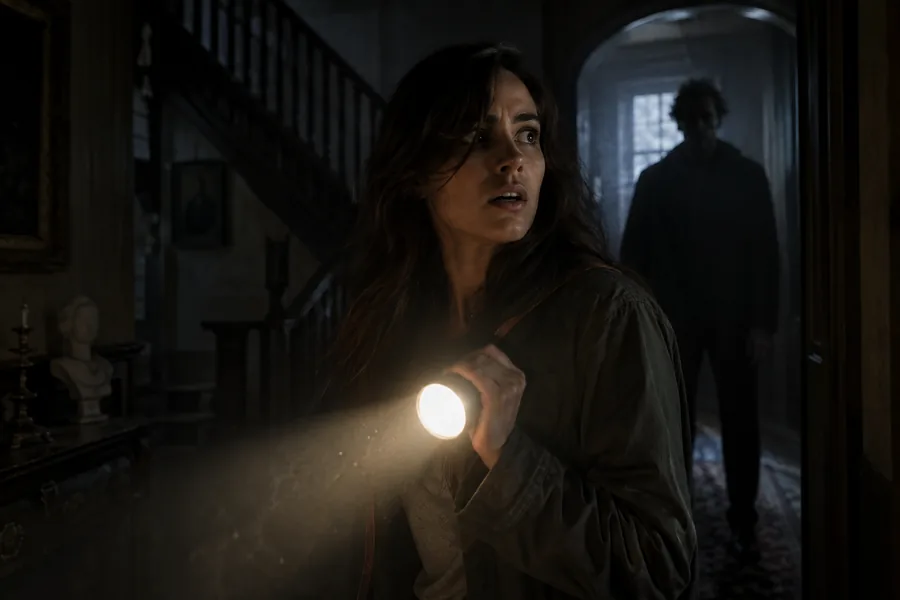
A woman holding a flashlight inside a dark mysterious house while another figure stands behind her. CINEMATIC STORY
01

Short Films, Dramas & Cinematic Stories

Create AI short dramas, narrative films, cinematic story scenes, trailers, concept films, and individual shots for a larger production.

AI Video Motion Control AI Image AI Voice
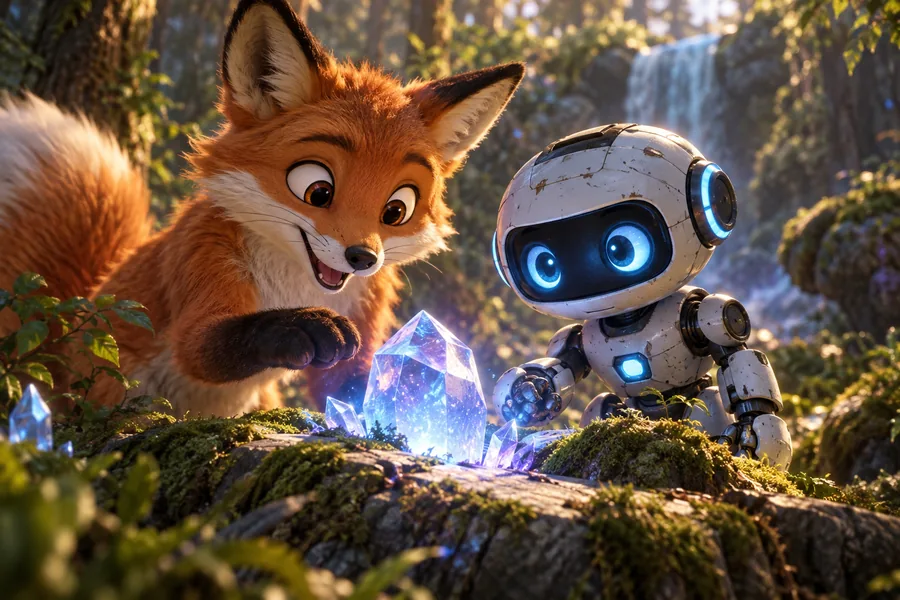
An animated orange fox and a small blue-eyed robot discovering a glowing crystal in a forest. CHARACTER
02

Animation & Character Videos

Bring cartoons, animals, illustrated characters, mascots, and original avatars into animated stories, dialogue scenes, and character-led videos.

AI Video AI Lip Sync AI Image Motion Control
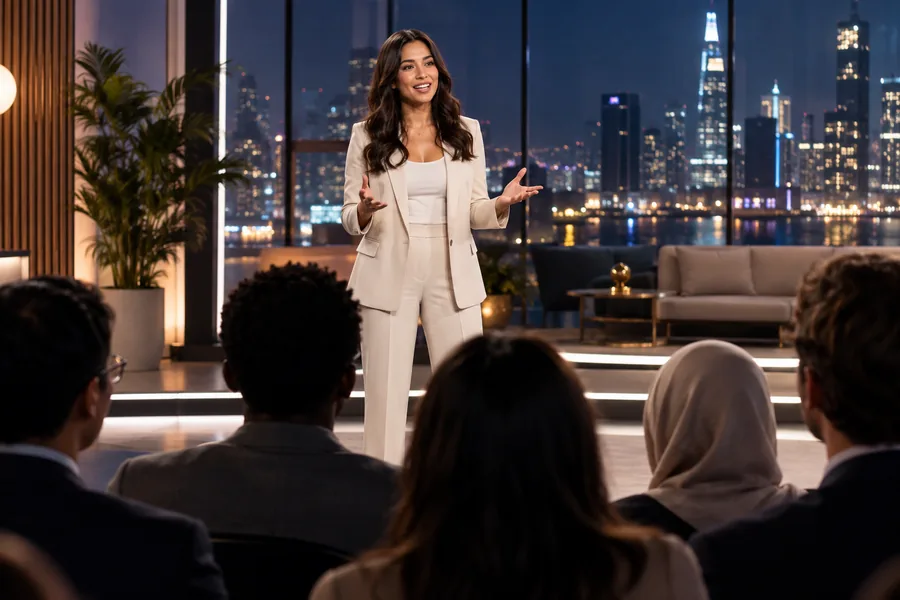
A presenter speaking to a multilingual audience from a polished modern studio with city lights behind them. MULTILINGUAL
03

Localized and Multilingual Videos

Create translated ads, localized courses, multilingual product videos, dubbed character content, and additional language versions.

Video Translator AI Voice AI Avatar AI Lip Sync
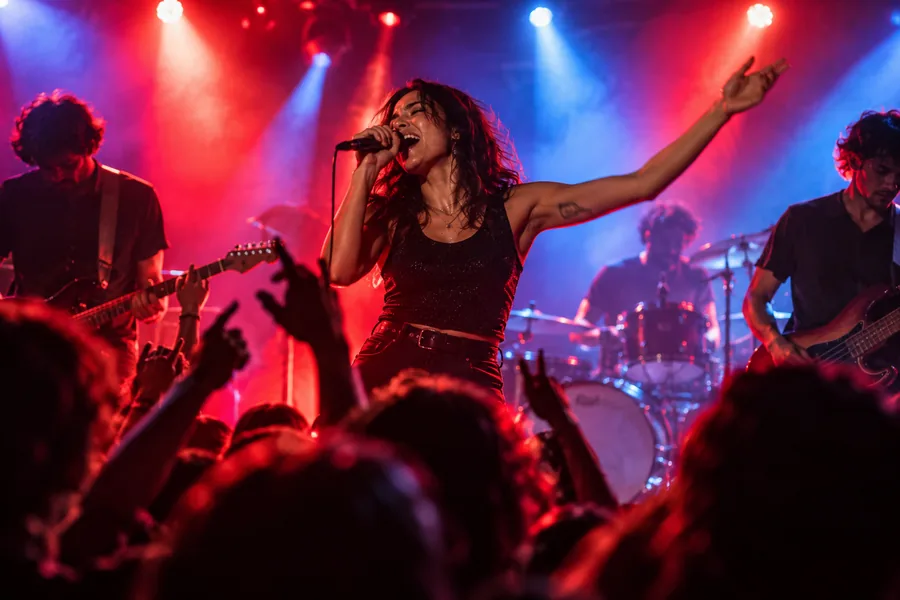
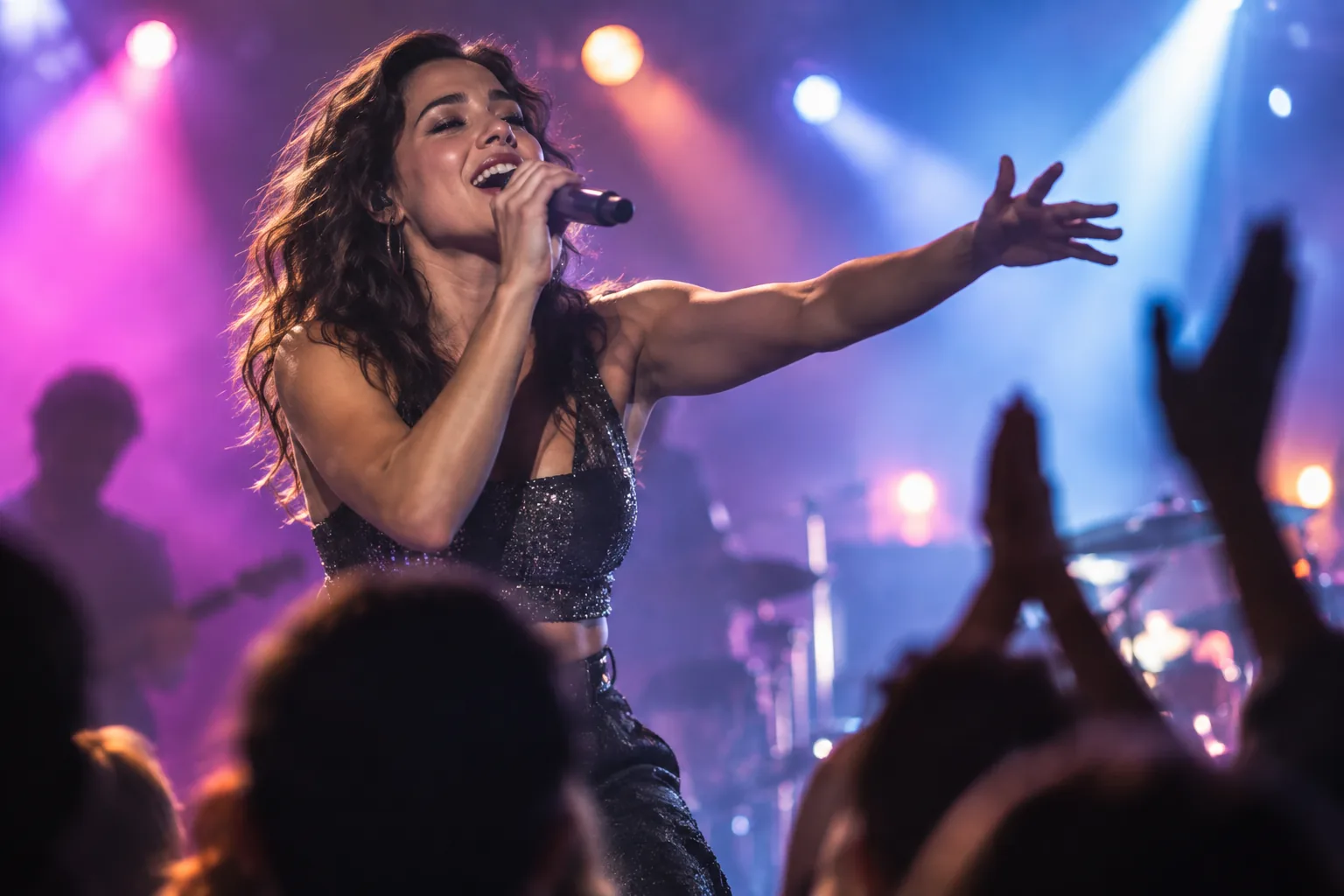
A singer and band performing under vivid red and blue concert lights in an energetic venue. PERFORMANCE
04

Music and Performance Videos

Build singing photos, music visuals, performance clips, and expressive character moments around the audio that matters.

Singing AI Video AI Voice
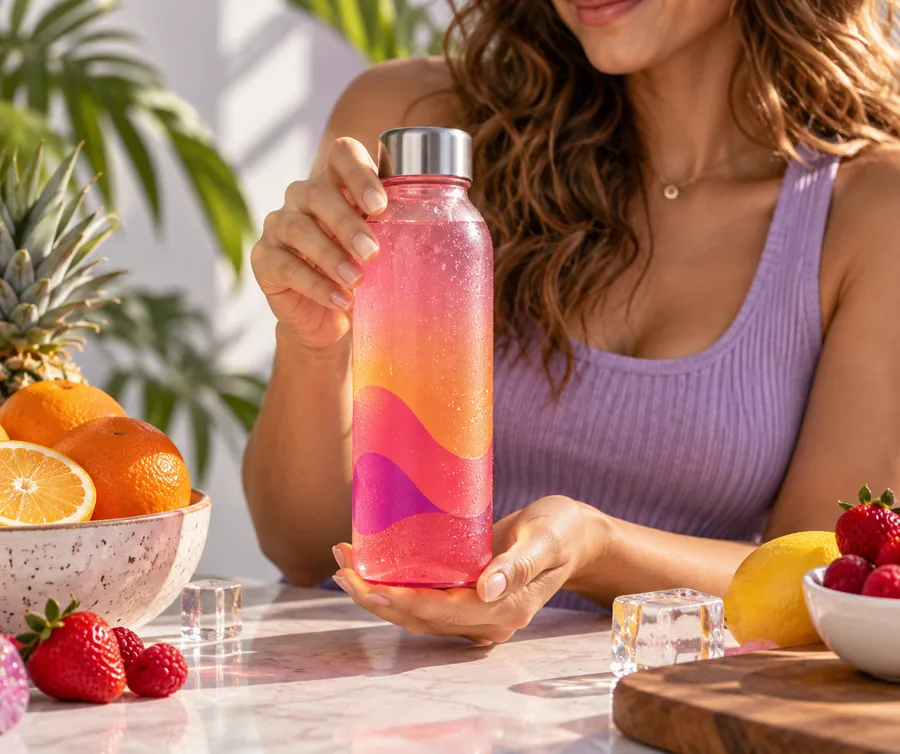
A creator presenting a colorful beverage bottle on a bright tabletop with fresh fruit and graphic accents. PRODUCT
05

Ads & Product Videos

Turn product references into polished ads, product demonstrations, launch stories, and social-ready variations.

AI Ad Product Video AI Image
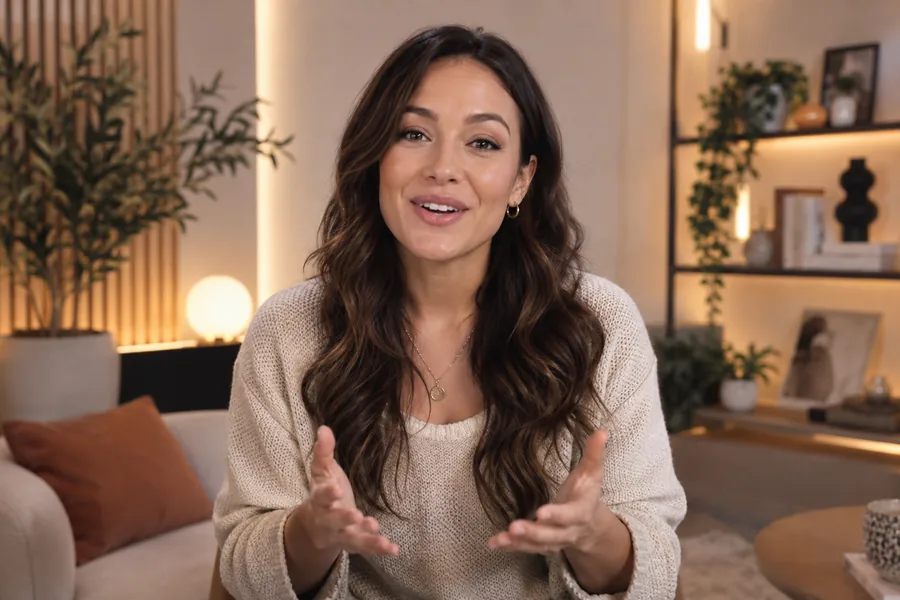
A digital presenter speaking directly to camera in a warm modern studio with a clean backdrop. PRESENTER
06

Talking Presenter and Avatar Videos

Create consistent presenter clips, lessons, explainers, announcements, and avatar-led product content.

AI Avatar AI Lip Sync AI Voice
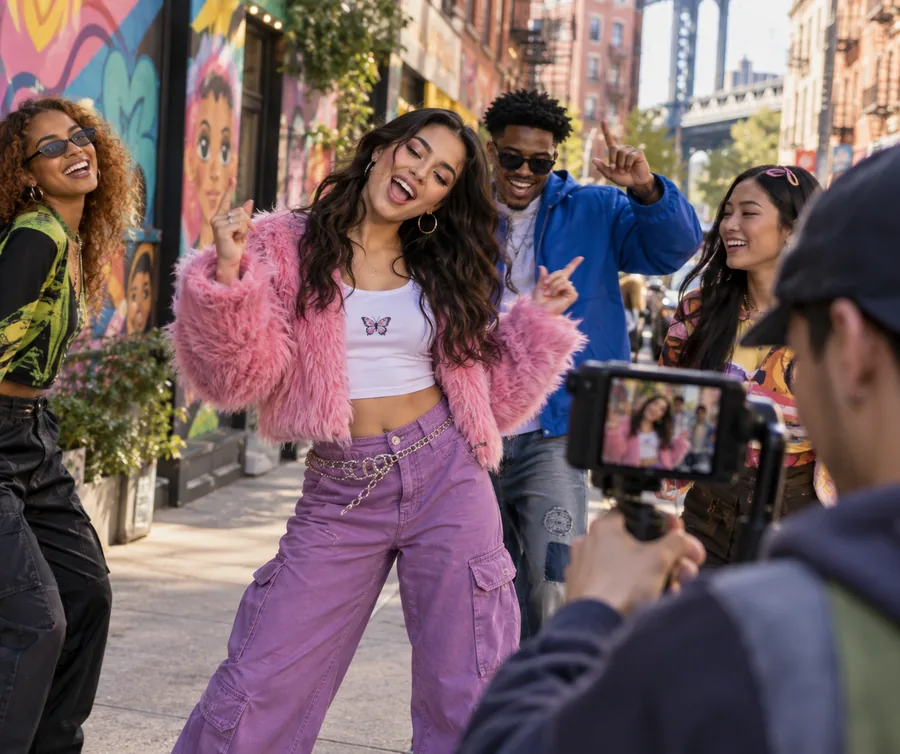
A group of friends filming colorful street-fashion content together in a lively urban neighborhood. SOCIAL
07

Social & Creator Videos

Move quickly from an idea to social clips, creator stories, reactions, visual hooks, and shareable short-form content.

Short Form AI Video AI Lip Sync

Supporting tools

Build the Characters, Visuals, and Voices Your Video Needs

Prepare reusable characters, visual assets, and speech for any video workflow.

AI Avatar

Create a recognizable AI avatar and reuse it across outfits, expressions, backgrounds, images, and videos. Keep a visually consistent presenter or character for product content, explainers, stories, lessons, and campaigns.

Explore AI avatar tools

AI Image

Use AI image tools to create or edit video assets such as characters, products, environments, and keyframes. Use them as source material for video generation, or turn a static character into a performer who speaks or sings.

Explore image creation

AI Voice

Create character dialogue or narration with text to speech when you do not have a recording. Use the voice in an AI lip sync video, talking avatar, product presentation, localized version, or generated scene.

Explore voice tools

Why Lip Sync

Why Choose Lip Sync for AI Lip Sync and AI Video

Preserve the performances you already have, create the scenes you still need, and connect characters, voices, and visuals in one flexible workspace.

01

Natural Lip Sync for Existing Media

Update speech or singing while preserving the source movement, framing, and visual performance in videos, photos, and avatars.

02

Free AI Lip Sync, No Watermark

Try the AI lip sync workflow and download a finished video without a watermark, ready to publish or continue editing.

03

Start from the Media You Have

Begin with a video, photo, avatar, prompt, image, frame sequence, or reference according to the result you want to create.

04

More Visual Options Without Filming

Use AI video to create original scenes, product visuals, transitions, and supporting footage that were never recorded.

05

Match the Model to the Shot

Choose a video model for the input, motion, camera direction, and visual style instead of forcing every scene through one workflow.

06

All-in-One AI Video Creation

Bring generated scenes, lip-synced dialogue, motion control, narration, and supporting visuals into one connected production workflow.

How it works

Create a Complete Video in Three Steps

Use AI lip sync and AI video where each capability adds the most value, then carry the strongest outputs into your finished edit.

01

Start with the Right Source

Upload a video, photo, or avatar for AI lip sync, or begin with a prompt, image, frame sequence, or reference for AI video.

02

Create the Performance and Scenes

Synchronize speech or singing, generate new shots, direct movement with motion control, and prepare voices or supporting visuals as needed.

03

Bring the Outputs Together

Choose the strongest performances and scenes, then combine them with dialogue, narration, sound, and branding in your final edit.

AI video models

Choose a Model for the Shot You Want to Create

Choose the model that best matches your input, motion, and visual direction.

Creator stories

How Creative Teams Use AI Lip Sync and AI Video

See how people use Lip Sync and what they think about it.

“AI lip sync lets me turn approved scripts into polished presenter clips without reshooting every update. The mouth movement stays convincing, and localized social versions are much faster to prepare.”
Maya smiling outdoors in soft natural light.
Maya C.Social Content Strategist
“We use AI video to explore product shots before committing to a full campaign. Moving from a reference image to several visual directions helps our team choose the strongest idea sooner.”
Jordan smiling in a bright outdoor portrait with a relaxed expression.
Jordan L.E-commerce Creative Lead
“For early story development, AI video gives me a practical way to test camera movement, atmosphere, and scene transitions. I can communicate the intended look clearly before production begins.”
Alex smiling in a warmly lit portrait with a creative studio behind her.
Alex R.Independent Filmmaker
“Combining AI video for B-roll with AI lip sync for presenter scenes keeps our workflow in one place. We can shape the visuals, refine the message, and assemble a more coherent final video.”
Sam wearing glasses and smiling in a warm editorial portrait.
Sam K.Creative Director
“I can build expressive character scenes, then use photo lip sync or AI lip sync for video when dialogue matters. The workflow makes it easier to keep the performance and visual style working together.”
Nina smiling in a softly lit portrait surrounded by greenery.
Nina T.Motion Designer
“AI lip sync helps our marketing team create language versions from approved footage while preserving the presenter’s delivery. It reduces repeat filming and keeps each regional campaign visually aligned.”
Daniel smiling in a professional portrait with a softly blurred office background.
Daniel W.Product Marketing Manager

Bring Your Next Video to Life

Make the ad, story, presenter video, animation, or performance you have been imagining. Bring every scene and character to life with AI lip sync and AI video creation.

Create my video now

FAQ

AI Lip Sync and AI Video FAQs

What is AI lip sync?

AI lip sync synchronizes a visible character’s mouth movements with spoken or sung audio. With Lip Sync, you can start with a video, photo, or avatar and add speech from text, an audio file, or a browser recording when supported.

Should I use Video Lip Sync or Photo Lip Sync?

Use Video Lip Sync when you already have footage with the movement, timing, and visual performance you want to keep. Choose Photo Lip Sync when you want to create a talking or singing video from one portrait, avatar, cartoon, animal, or other suitable character image.

Can AI lip sync work with cartoons, animals, and AI characters?

Yes. AI lip sync is not limited to real people. It can work with supported avatars, cartoons, illustrated characters, and animals when the face and mouth area are clear enough for the chosen workflow.

How long can my video be?

The available length depends on the workflow and model. AI video shots are designed for short scenes, while lip sync workflows support longer talking and singing performances.

Can I use an AI video model to create a lip-synced video?

Yes. Use AI video to create the scene or character visual, then carry that output into a lip sync workflow when the character needs synchronized dialogue or singing.

Can I change the language of an existing video?

Yes. Start with existing footage, prepare translated speech or a new voice track, and use lip sync to preserve the presenter’s movement while creating another language version.

Do I need a recorded video to make a talking character?

No. Photo Lip Sync can create a talking or singing character from one suitable photo, portrait, avatar, cartoon, or animal image.

When should I use Motion Control instead of AI lip sync?

Use Motion Control when expressive body movement, poses, choreography, or a reference performance matter more than matching dialogue. Use AI lip sync when the priority is synchronized spoken or sung delivery.
Start creating
Start creating