Workflow comparison

Choose the Right Route for lip sync vs tiktok

Lip sync vs tiktok is not a choice between two identical tools. One describes the creative result and production workflow; the other is a publishing platform with its own sounds, editing controls, and audience.

Keep exploring

Use these focused guides to compare the format, destination, and production goal behind your next short video.

Best fit

Who should choose each route

The right answer depends on whether your priority is making the performance, publishing inside a social app, or doing both.

Music and performance creators

You already have a singer, actor, avatar, or character and need mouth movement aligned to a chosen vocal track.

Choose an independent lip-sync workflow first, then export the finished clip to the platform where your audience watches.

lip sync for songs
TikTok-first creators

Your idea starts with a trending sound, duet, stitch, or native TikTok recording rather than a finished video file.

Use TikTok for discovery and fast publishing, while keeping a separate production step when timing or revisions matter.

lip sync tiktok

YouTube teams repurposing shorts

You need a clean master that can be cropped, captioned, and reused across several channels without rebuilding the performance.

Create the lip-sync video outside a single platform, then make TikTok one destination among several.

lip sync for youtube

Animation and avatar makers

The speaker is illustrated, generated, or otherwise difficult to record directly in a social app.

Build the mouth performance in a dedicated workflow before adapting the result for TikTok’s vertical feed.

lip sync animation

Simple decision path

Move from idea to publishable clip

A reliable process keeps the creative performance separate from the platform decision until the source video is ready.

  1. 1

    Define the performance

    Choose the speaker or character, the audio segment, the intended emotion, and the final frame shape. If the source is an image, plan how much head and mouth movement the shot can support.

  2. 2

    Build and review the sync

    Align the mouth movement to the vocal timing, then check consonants, pauses, expression, and any visible cuts. Watch with sound muted as well as enabled so timing errors are easier to spot.

  3. 3

    Adapt and publish

    Export a clean master, add platform-specific captions or effects, and publish to TikTok when its discovery tools help. Keep the master so the same performance can travel elsewhere.

At a glance

Lip sync workflow versus TikTok

These routes overlap, but they solve different parts of the creator process. A dedicated workflow makes the performance; TikTok packages and distributes it.

1

Primary job

Dedicated lip sync workflow

Create or refine mouth movement that follows selected audio.

TikTok

Record, edit, package, and publish short videos inside a social platform.

2

Starting point

Dedicated lip sync workflow

A source video, character, image, or audio track can define the project.

TikTok

A camera recording, uploaded clip, or sound already available in the app.

3

Audio control

Dedicated lip sync workflow

Use a chosen vocal track and inspect timing before the final export.

TikTok

Use native sounds, saved audio, voiceover, or uploaded audio within platform rules.

4

Revision control

Dedicated lip sync workflow

Revise the performance before publishing and preserve a reusable master.

TikTok

Quick edits are convenient, but changes remain tied to the current post workflow.

5

Distribution

Dedicated lip sync workflow

Export to TikTok, YouTube, a website, or another editor.

TikTok

Built primarily for publishing and discovery within TikTok.

6

Creative flexibility

Dedicated lip sync workflow

Better suited to avatars, animation, generated characters, and repeatable scenes.

TikTok

Best suited to live creator formats, trends, effects, duets, and stitches.

7

Audience discovery

Dedicated lip sync workflow

Depends on the destination and the creator’s existing distribution.

TikTok

Benefits from a built-in feed, sound culture, and social interaction tools.

8

Best handoff

Dedicated lip sync workflow

Finish the source clip, then adapt its crop, captions, and opening for each channel.

TikTok

Use the app as the final publishing layer when native participation is the goal.

Output difference

One performance, two finishing styles

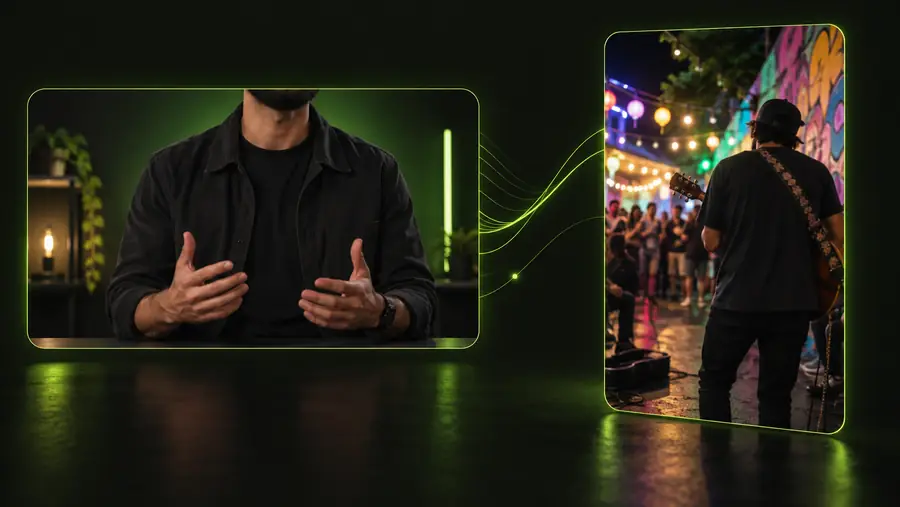
The same aligned performance can become a clean reusable master or a platform-native post with TikTok treatments layered on top.

  • Source master
  • TikTok-ready version

Create the performance once; tailor the packaging later.

Lip-sync source video prepared as a clean master
Vertical lip-sync post adapted for TikTok

Know the tradeoffs

What this route cannot do

A comparison is useful only when it acknowledges the limits of both production paths.

  • A dedicated workflow cannot guarantee reach

    A well-timed performance may still receive little attention if the opening, caption, topic, or distribution is weak.

    WorkaroundUse TikTok’s native publishing and interaction tools when discovery is part of the objective.

  • TikTok cannot replace every production tool

    Platform editing is not always enough for complex character animation, precise retiming, multiple revisions, or a reusable master.

    WorkaroundPrepare the difficult performance before uploading, then use TikTok for final touches and publishing.

  • Neither route fixes poor source material

    A face that is hidden, tiny, heavily angled, or badly lit gives the sync process less visual information to work with.

    WorkaroundUse a clear frontal or three-quarter source, stable framing, and audio with understandable vocal timing.

  • One export is not ideal everywhere

    A TikTok post may rely on vertical framing, captions, or native audio that does not suit another channel.

    WorkaroundKeep a clean master and create channel-specific versions instead of treating one post as the universal file.

Make the next clip

Build the performance before you pick the platform

Start with the result you want viewers to see, then decide whether TikTok should be the production environment, the publishing destination, or both. A reusable lip sync master gives you more room to revise, repurpose, and test different openings.

Create your video
  • Keep the source performance separate from platform effects
  • Review timing before adding captions or trends
  • Export a version you can reuse beyond TikTok

Comparison FAQ

Questions about lip sync vs tiktok

The practical difference is simple: one is a creative production method, while the other is a social video platform that can host the finished result.

Lip sync is the process of matching visible mouth movement to spoken or sung audio. TikTok is a platform for recording, editing, discovering, and sharing short videos, including videos that use lip sync.

No. You can create a lip-sync video with a dedicated editor or animation workflow and publish it on TikTok, YouTube, a website, or another channel. TikTok is one possible destination, not a requirement.

For precise timing, reusable masters, character work, or multiple revisions, an independent lip-sync workflow is usually more flexible. TikTok is useful when the goal is to join a sound trend, use native effects, or publish quickly to its feed.

Yes. Create and review the performance first, export a clean vertical version, then upload it to TikTok for captions, effects, sound choices, and publishing. Keep the original master in case you need a different crop or channel version.

Start on TikTok when the idea depends on a native sound, duet, stitch, or in-app interaction. Make the lip sync first when the performance is the valuable asset and you want control over revisions, quality, or reuse.

Start creating
Start creating