Independent musicians
You have a finished vocal master but no budget or time for a full shoot.
Turn one recording into a visual teaser with a performer that stays connected to the chorus and hook.
lip sync for youtubeMusic video workflow
Lip sync for songs turns a clean vocal or music track into a performance-led video. Match the source face, character, or image to the recording, then refine timing before you publish.
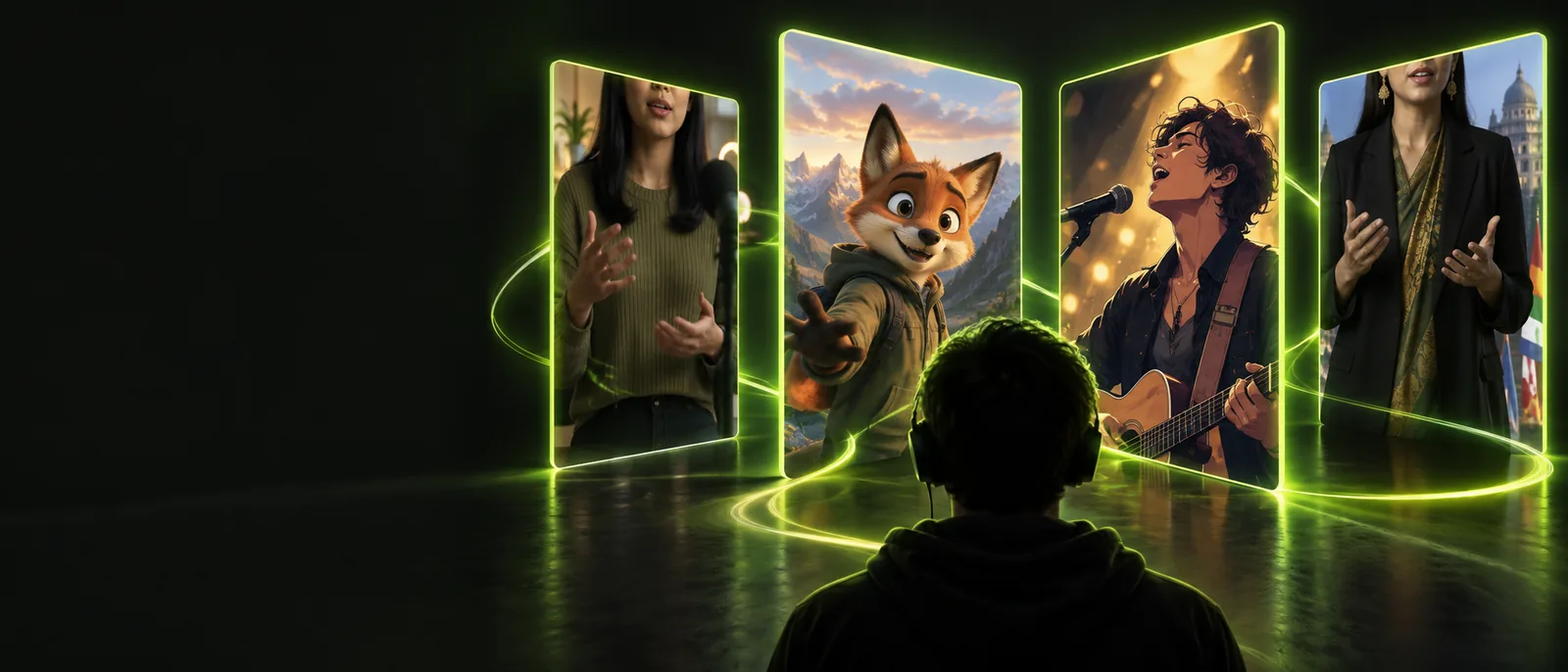
Choose the publishing workflow that matches where your finished clip will live.
A song can sound perfectly timed while the picture still feels late, stiff, or disconnected from the performance.
You have a finished vocal master but no budget or time for a full shoot.
Turn one recording into a visual teaser with a performer that stays connected to the chorus and hook.
lip sync for youtubeYou want to use a trending sound without manually cutting every mouth movement.
Build a repeatable clip structure that keeps the visual action aligned with the selected audio.
lip sync tiktokA campaign needs several song-led variations for different artists, characters, or formats.
Create consistent source-to-video versions before adapting the strongest cut for each channel.
lip sync videoA stylized character needs to perform lyrics without redrawing every mouth shape by hand.
Use the track as the timing reference while keeping the character design and scene direction intact.
lip sync tiktokStart with the audio you already have, choose the visual source, and use the same review loop for every song-led clip.
Use a clean vocal or mixed section with a clear beginning and end. Trim long silence, identify the hook, and keep the intended tempo unchanged.
Upload or describe the face, character, or image that should appear on screen. Decide whether the result should feel realistic, animated, intimate, or stage-ready.
Check the first consonants, sustained vowels, chorus transitions, and final frame. Rework the source or shorten the excerpt if the performance drifts.
The strongest result preserves the source track while making the on-screen performance feel intentional rather than mechanically timed.
The before view establishes the song and visual input; the after view shows a performance cut ready for review and channel-specific framing.
Use the table as a practical handoff checklist before sharing a song-led result publicly.
Prepare before generation
Check before publishing
Prepare before generation
Confirm you have permission to use the recording or selected excerpt.
Check before publishing
Keep licensing records with the project and follow the destination platform's music rules.
Prepare before generation
Prefer a clean vocal or a mix where the lead is easy to hear.
Check before publishing
Listen for consonants and vowel transitions that remain readable in the finished clip.
Prepare before generation
Use a person, character, or image you are allowed to animate.
Check before publishing
Avoid presenting a generated performance as an authentic live recording when that could mislead viewers.
Prepare before generation
Set a defined start point and trim obvious silence or dead air.
Check before publishing
Compare the mouth movement against the exact exported audio, not a different preview.
Prepare before generation
Decide whether the output is vertical, square, or landscape before framing the subject.
Check before publishing
Export a version that keeps the face visible after the platform crops or recompresses it.
Prepare before generation
Identify synthetic or materially altered content when the context calls for transparency.
Check before publishing
Use a caption or label that makes the nature of the performance clear to viewers.
These checkpoints keep the workflow concrete without treating every song as the same production problem.
A song-based workflow can align a performance, but it cannot replace rights clearance, artistic direction, or a real production set.
The tool can work from an audio file, but it does not grant permission to use a commercial recording or a recognizable performance.
WorkaroundUse owned, licensed, public-domain, or platform-cleared audio and retain the relevant permission.
Fast lyrics, layered vocals, heavy effects, silence, and unusual pronunciation can make timing less convincing.
WorkaroundUse a shorter clean excerpt, isolate the lead vocal where possible, and review difficult lines frame by frame.
Aligned mouth movement does not automatically provide choreography, camera direction, lighting, transitions, or narrative structure.
WorkaroundDefine the shot list and visual mood first, then use the generated performance as one production element.
A convincing result may look like a live recording even when it is synthetic or substantially altered.
WorkaroundLabel the content appropriately and avoid claims that imply an unedited real performance.
Bring a clean excerpt, a visual performer, and one clear creative direction. Lip Sync can help you move from a song file to a reviewable performance clip without losing the timing reference.
Create song videoAnswers for creators deciding whether a song-led performance workflow fits their next video.
A clean vocal or clearly separated lead usually gives the most useful timing reference. Short excerpts with an obvious start, steady tempo, and intelligible lyrics are easier to review than dense mixes or heavily reverberated recordings.
No. A tool may process an audio file, but that does not transfer copyright or platform permission. Use audio you own, license, or are otherwise authorized to publish, and follow the rules of the destination channel.
Choose a visual source with a clear face, use an excerpt with readable lyrics, and review consonants, sustained vowels, and chorus changes. Expressive head movement, intentional framing, and a shorter cut can also make the result feel more directed.
It can provide an aligned performance element, but a complete music video still needs creative direction, shots, pacing, styling, and often additional footage. Treat the generated clip as a scene or performance layer within the broader edit.