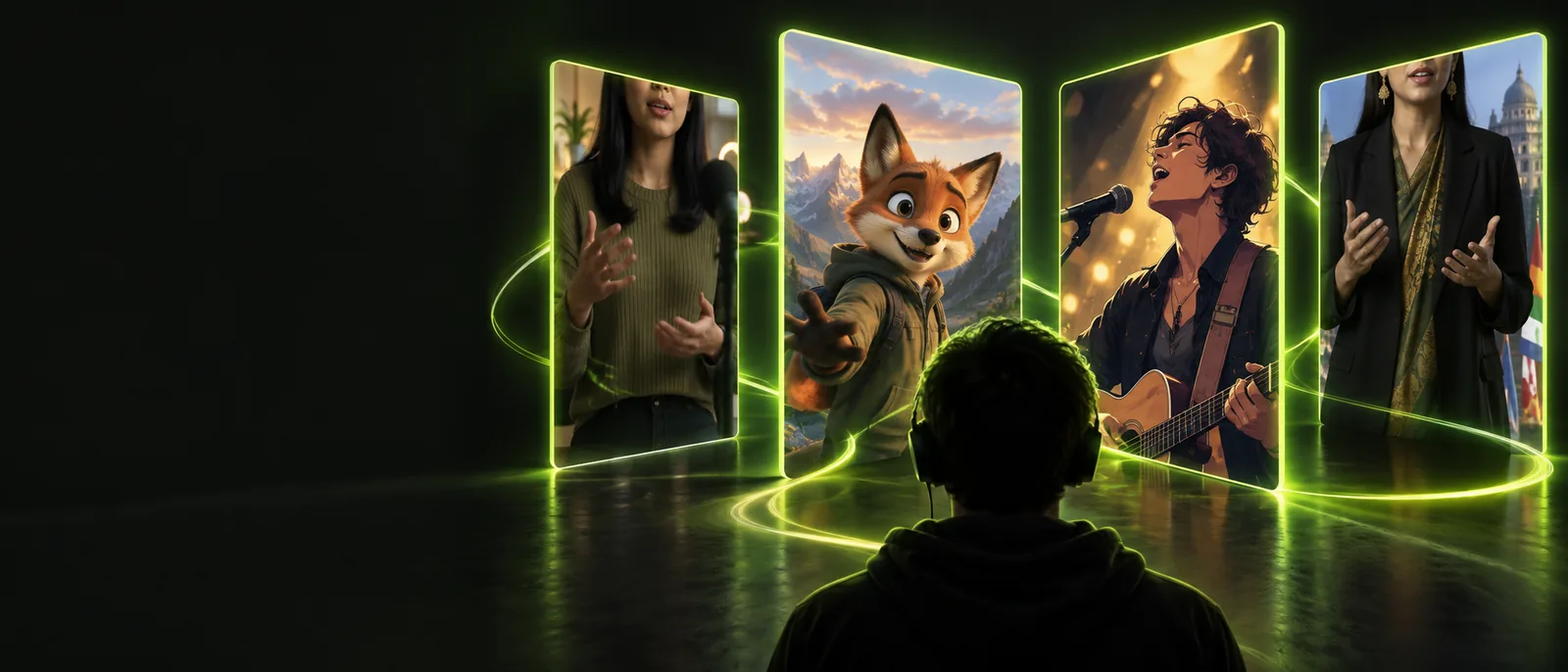
Choose your workflow

Choose Between Lip Sync vs Songs for Your Next Video

Lip sync vs songs is really a choice between performing to existing words and building a video around the track itself. Use this guide to pick the route that matches your footage, timing, and audience.

Creator preparing a music-focused video

Keep exploring

Pick by project

Three real scenarios, one pick each

The better option depends less on the label and more on what you already have: a performer, a finished track, or a story that needs to carry the edit.

The short-form performer

You have a person on camera and want the mouth, expressions, and gestures to follow a recognizable vocal line.

Choose lip sync when the performance is the main event and viewers should read the words through the face.

lip sync vs tiktok
The music-led editor

You already have a finished song and want cuts, transitions, movement, and visual rhythm to follow its sections.

Choose a song-first workflow when the track controls the edit and the visuals can respond to the beat.

lip sync for songs

The long-form creator

You are building a fuller video with an introduction, repeated chorus, supporting footage, or a narrative around the music.

Choose a song-centered structure when retention depends on progression rather than one close-up performance.

lip sync vs youtube

The character or avatar maker

You want a generated or animated character to appear to perform audio without filming a live vocalist.

Start with the audio you want the character to deliver, then use lip sync to make the visual performance feel intentional.

lip sync for songs

Make the call

How the choice works

A reliable decision starts with the audio, then checks the visual subject and the final destination. This prevents a strong track from being forced into the wrong edit.

  1. 1

    Name the anchor

    Decide whether the viewer should follow the performer’s mouth or the song’s musical structure. If the face carries the message, begin with lip sync; if the track carries the mood, begin with the song.

  2. 2

    Check the footage

    Look for clear facial visibility, stable timing, and enough movement for a performance-led edit. For song-led work, check whether you have enough shots, transitions, or visual changes to support the full arrangement.

  3. 3

    Build around the destination

    Match the choice to the platform and runtime. A tight performance can work in a short vertical clip, while a song-centered edit has more room for an intro, chorus, bridge, and visual payoff.

See the difference

Capability matrix

Both approaches use audio and timing, but they place creative control in different hands. This side-by-side view shows where each route is strongest.

1

Primary anchor

Lip sync

A face, mouth, or character performing the words

Song-first video

The track’s beat, sections, mood, and arrangement

2

Best starting asset

Lip sync

A spoken or sung audio track plus a visible subject

Song-first video

A finished song plus footage or visuals to shape around it

3

Timing priority

Lip sync

Mouth movement and expression matching the vocal

Song-first video

Cuts, motion, and transitions matching musical timing

4

Editing freedom

Lip sync

More constrained around the performer’s delivery

Song-first video

More freedom to change shots across instrumental sections

5

Viewer focus

Lip sync

The person, character, or expression on screen

Song-first video

The overall music-and-visual experience

6

Strongest use case

Lip sync

Performance clips, dialogue-like vocals, and character animation

Song-first video

Music videos, montages, visualizers, and song promos

7

Main risk

Lip sync

A visible mismatch between mouth movement and audio

Song-first video

A visually repetitive edit that does not evolve with the track

8

Useful finishing pass

Lip sync

Refine facial timing, pauses, and expression changes

Song-first video

Refine song sections, beat cuts, transitions, and visual variety

At a glance

The practical split

These figures describe the shape of the decision, not a performance promise: two creative routes, one main audio anchor, and one final edit to deliver.

1 Performance-led lip sync or song-led editing
2 routes
2 The track or vocal timing should guide the final cut
1 audio anchor
3 A performer can follow timing without knowing every lyric
0 word-learning requirement
4 Either route still needs a focused pass for pacing and polish
1 final edit

Avoid the mismatch

Shared pitfalls

Neither route fixes weak source material by itself. These are the limitations to spot before you commit, along with a practical way around each one.

  • Poor audio timing stays visible

    If the source track has an unclear start, drifting tempo, or awkward pauses, both mouth timing and musical cuts can feel late.

    WorkaroundTrim the audio, mark its first clear beat or vocal entrance, and use that point as the timing reference.

  • A song alone does not create visual variety

    A finished track can still produce a flat video when every shot has the same framing, movement, and duration.

    WorkaroundPlan visual changes for the intro, verse, chorus, and bridge instead of cutting only when the editor runs out of ideas.

  • Lip sync cannot replace a readable face

    Obstructed mouths, extreme angles, fast motion, and inconsistent lighting make accurate facial timing harder to judge.

    WorkaroundUse a clearer front-facing source where possible, then reserve stylized angles for moments that do not depend on mouth detail.

  • One workflow may not cover the whole video

    A performance-led opening and a song-led montage can both belong in the same project, so treating them as mutually exclusive can limit the edit.

    WorkaroundUse lip sync for the close performance sections and song-first editing for transitions, instrumental breaks, or supporting footage.

Preview the result

Before and after in context

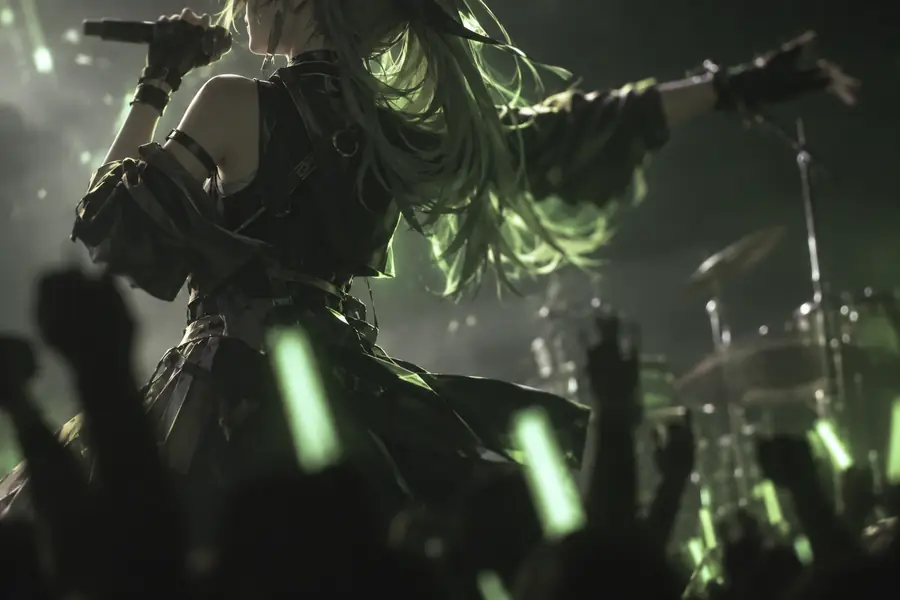
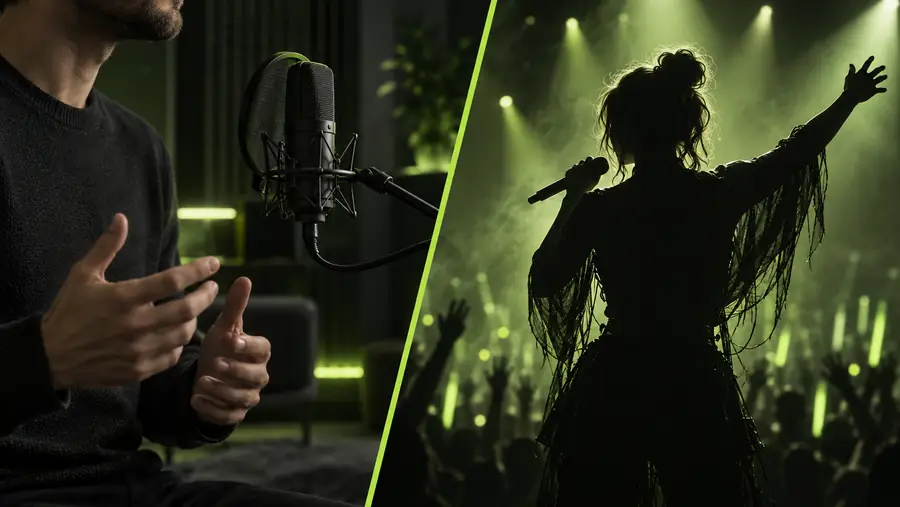
The strongest comparison is not just the source image. It is how the same subject feels before timing is matched and after the visual performance is shaped around the audio.

  • Before timing pass
  • After audio-led edit

A clean audio anchor makes the contrast easier to evaluate.

Unmatched source frame from a music performance
Polished music performance frame aligned to the track

Make your version

Choose the route that serves the story

If the audience should watch someone perform, start with lip sync and protect the timing of the face. If the audience should feel the track through a sequence of images, start with the song and build the edit around its structure. You can combine both, but choosing a primary anchor keeps the result coherent.

Start your video
  • Use a visible performer when expression is the message.
  • Use the finished track as the spine for a broader montage.
  • Review the first seconds before polishing the entire edit.

Common questions

Comparison FAQ

Lip sync treats the vocal timing and visible performance as the central problem to solve. A song-first video treats the complete track as the structure for cuts, movement, and visual progression.

Choose lip sync when a performer or character needs to appear to sing or speak convincingly. Choose a song-first workflow when the track matters more than one face and you have several visuals to arrange.

Yes. A video can use lip sync for close performance shots and song-led editing for instrumental sections, transitions, or supporting footage. Pick one as the main anchor so the timing choices do not compete.

No. Accurate timing, a clear audio reference, and visible facial movement matter more than memorizing every lyric. Knowing the words can help expression, but it is not required for the workflow.

A finished song provides the audio structure, but it does not automatically provide visual variety or a story. You still need footage, images, animation, or transitions that respond to the track’s sections.

Start creating
Start creating