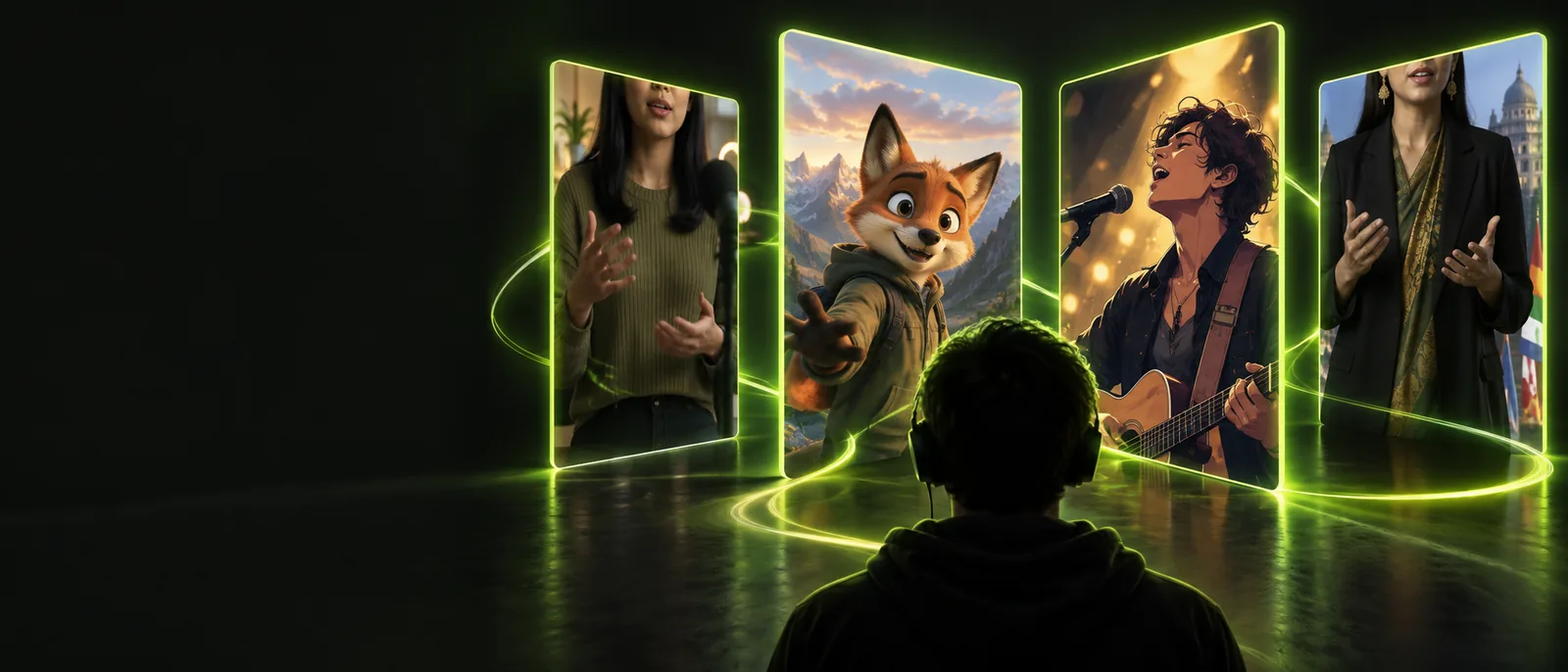
Animated performance

Make expressive scenes with lip sync animation

Create a short animated performance from a character image and voice track. Lip sync animation coordinates mouth shapes, facial motion, and delivery so your scene feels intentional rather than mechanically dubbed.

Free to start · no signup
Animated character performing to a voice track

Related tools

Choose the right starting point

Move from a broad creative idea to the format that matches your source material and final destination.

Simple workflow

From artwork to speaking scene

A focused three-part workflow keeps the source image, voice track, and final motion working together.

  1. 1

    Choose the character

    Start with a clear portrait, avatar, illustration, or designed character whose mouth and face are visible.

  2. 2

    Add the performance

    Provide speech, singing, or a recorded line, then define the tone, pacing, and emotional direction you want.

  3. 3

    Review the motion

    Check mouth timing, pauses, expressions, and framing before exporting the finished animated scene.

Capability split

Match the method to the scene

Animation-focused lip sync works best when the visual identity matters as much as the spoken words.

1

Starting material

Character animation

Illustration, avatar, mascot, or designed character

Live-action video

Recorded person or filmed performance

2

Visual control

Character animation

Strong control over style, pose, palette, and world

Live-action video

Natural detail comes from the original camera footage

3

Best use

Character animation

Story scenes, explainers, game characters, and branded hosts

Live-action video

Interviews, testimonials, tutorials, and creator clips

4

Mouth movement

Character animation

Generated or rigged shapes follow the voice track

Live-action video

Existing facial movement is adjusted or matched to audio

5

Expression direction

Character animation

Can be guided as part of the character performance

Live-action video

Usually depends on the filmed actor's original delivery

6

Main risk

Character animation

Unclear facial features can produce awkward or limited motion

Live-action video

Poor audio, framing, or acting can constrain the final result

7

Creative advantage

Character animation

Keeps a consistent fictional identity across multiple scenes

Live-action video

Preserves authentic human texture and spontaneous gestures

Practical uses

Where animated dialogue fits

The strongest results begin with a clear role for the character and a voice track that supports the intended audience.

Social creator

A recurring illustrated host introduces a series of short tips without requiring a new camera shoot.

Keep a recognizable format while varying scripts, settings, and episode themes. Use lip sync ai when you want broader generation guidance.

lip sync ai
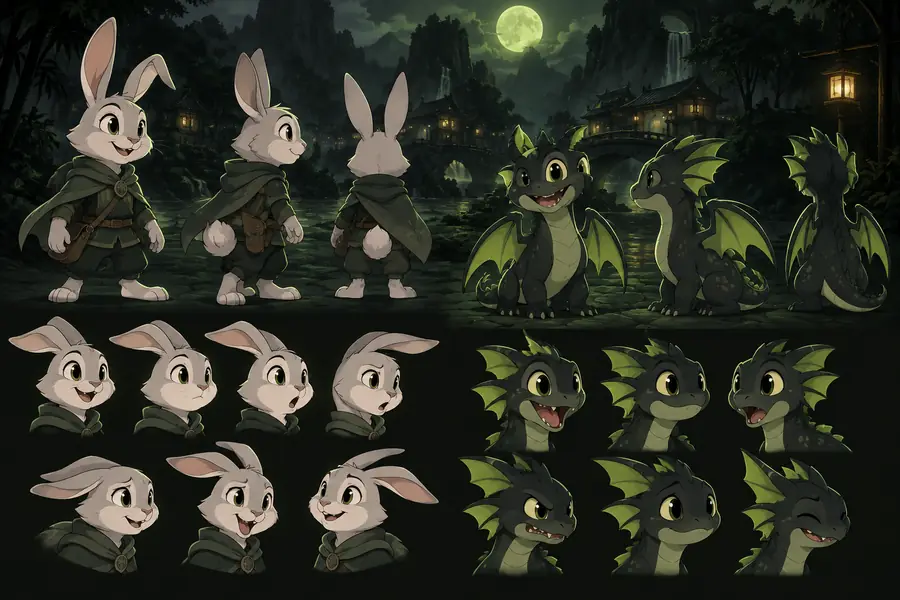

Game designer

A character delivers a quest update, tutorial line, or reaction inside a stylized game world.

Preserve the character's visual language while making dialogue feel connected to the scene and its story.

lip sync video

Educator

An illustrated presenter explains a difficult concept in a friendly, repeatable visual format.

Make lessons more memorable by pairing concise narration with a consistent face, pose, and visual identity.

image to video lip sync

Brand team

A mascot or virtual spokesperson delivers a product message across several campaign variations.

Adapt the same character system to different scripts while keeping the presentation coherent and on-brand.

lip sync video

Workflow snapshot

Four details shape the result

These are the practical variables to inspect when judging an animated performance, not promises of a fixed output.

1 A clear face gives the mouth and expressions room to move.
01 source
2 Clean speech or music makes timing easier to follow.
02 track
3 Pauses and emphasis influence how convincing the performance feels.
03 timing
4 A final pass catches drift, clipped words, and distracting motion.
04 review

Visual check

See the change from still to scene

The source image establishes identity; the animated result adds timing, delivery, and a reason for the audience to keep watching.

  • Source character
  • Animated performance

Animation adds performance without replacing the character design.

Still character artwork prepared for animation
Animated presenter delivering a spoken line

Start creating

Give your character a voice

Bring a portrait, illustration, or avatar into a short performance with a clear script and a deliberate point of view. Start with one scene, review the timing, and refine the delivery before building a series.

Animate my character
  • Use a clear face and clean voice track
  • Guide the mood, pacing, and audience
  • Review the final scene before sharing

Common questions

Lip sync animation FAQ

Lip sync animation is the process of matching a character's mouth and facial movement to spoken audio or music. It can be used with illustrations, avatars, mascots, and other designed figures to create a speaking scene.

Yes, a clear illustration can provide the visual starting point for an animated performance. Results are usually easier to control when the face is visible, the mouth area is distinct, and the character is not heavily obscured.

Clean speech with limited background noise is usually easiest to interpret. A steady recording with natural pauses gives the animation better timing, while expressive delivery can help the character feel more alive.

No. It can also support singing, narration, dialogue between characters, educational explainers, and branded announcements. The visual style changes, but the core task remains matching facial motion to the rhythm and emphasis of the audio.

Begin with a simple script, clear audio, and a character facing the viewer. Then review pauses, emphasized words, facial expressions, and any moments where mouth movement appears too repetitive or disconnected from the delivery.

Start creating
Start creating