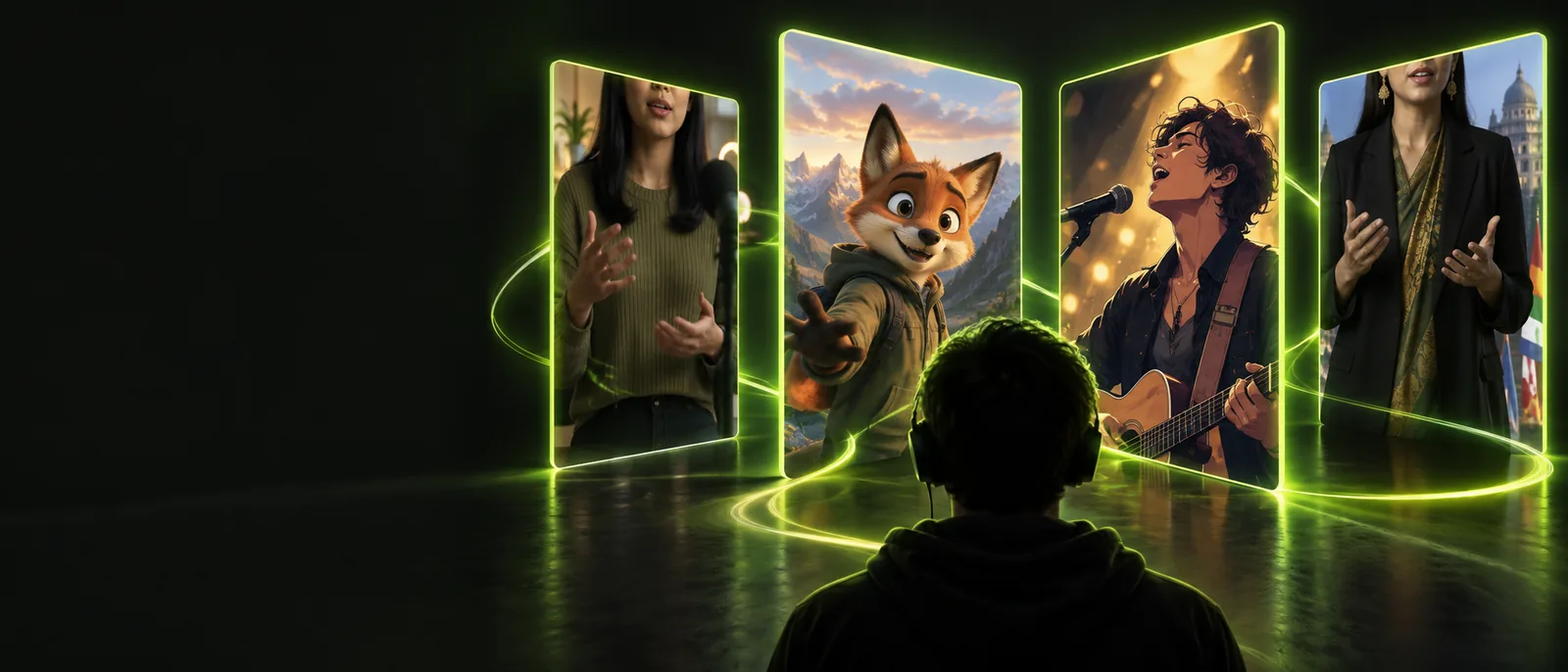
Create a Cleaner Lip Sync Online Free

Lip sync online free gives you a browser-first way to match spoken or sung audio with visible mouth movement. Start with a face video or image, add the audio, and review the result before sharing.

Free to start · no signup
Person presenting in a polished talking video

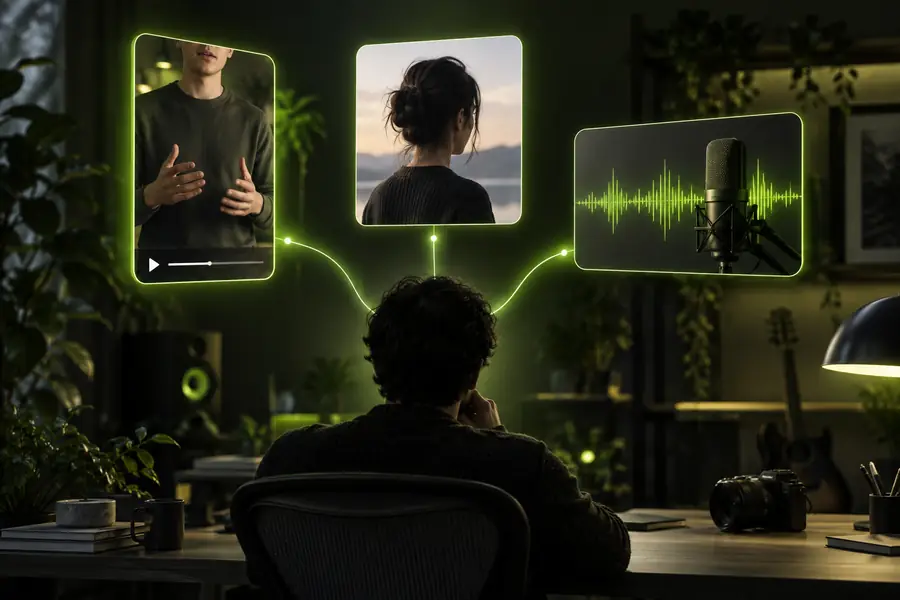
Upload the visual and audio ingredients, let the alignment happen in the browser workflow, then refine the result around timing, clarity, and the final channel.

How the browser workflow works

A dependable result comes from treating the process as three connected stages rather than expecting one click to fix every recording.

  1. 1

    Prepare the inputs

    Choose a clear face image or video and pair it with speech or a song whose timing and volume are easy to follow.

  2. 2

    Align the performance

    Send the visual and audio together so the workflow can map mouth movement to the sounds, pauses, and phrasing.

  3. 3

    Review and refine

    Watch for drift, clipped words, unnatural pauses, or distracting movement before using the finished clip in your project.

Three ways the workflow helps

Different creators begin with different source material, but the same checks make the final result easier to watch and easier to reuse.

Short-form creator

You have a recorded reaction or skit and want the dialogue to follow a selected sound more closely.

A browser workflow helps you check timing before publishing the clip. See the guide to free lip sync online for a simple starting point.

free lip sync online
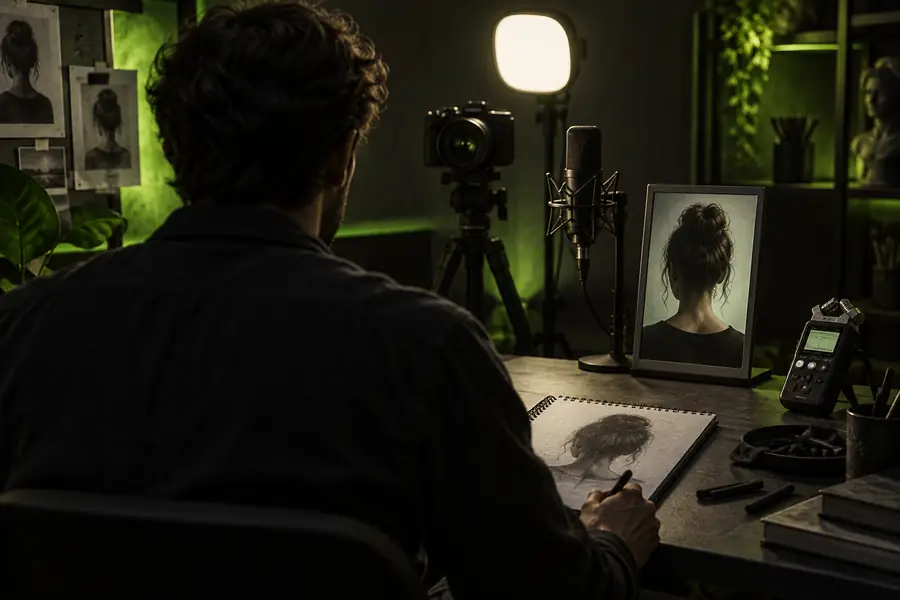
Presenter or educator

You need a talking face to deliver a short explanation, announcement, or multilingual version of an existing script.

Clear audio and deliberate pauses give the mouth movement a stronger reference. The lip sync video guide covers this format in more detail.

lip sync video

Singer or music editor

You are matching a visible performance to a vocal track and need the mouth timing to follow the phrasing.

Beat changes and held notes become easier to inspect when the audio is clean. Use the lip sync for songs page for music-specific considerations.

lip sync for songs

Animation creator

You are testing a character or illustrated face against dialogue before committing to a longer scene.

Short previews expose timing problems early and keep iteration focused. The lip sync animation guide explains the animation use case.

lip sync animation

Before and after the alignment pass

The difference is not only whether the mouth moves. Timing, pauses, framing, and audio clarity determine whether the performance feels connected.

  • Source clip
  • Aligned preview

Use short previews to catch drift before export.

Source visual before the lip sync workflow
Talking visual after the lip sync workflow

Limits and edges

A browser workflow is useful when the inputs are prepared, but it cannot remove every source problem. Check these trade-offs before choosing the right starting material.

1

Face visibility

Well-prepared source

The mouth and lower face stay visible through most of the clip.

Difficult source

Hands, props, hair, or shadows frequently cover the mouth.

2

Audio clarity

Well-prepared source

Speech or vocals are isolated enough to follow the intended phrasing.

Difficult source

Heavy noise, overlapping voices, or abrupt volume changes obscure the timing.

3

Camera movement

Well-prepared source

The face remains reasonably stable and framed at a useful size.

Difficult source

Fast movement, cuts, or extreme angles make alignment harder to inspect.

4

Expression range

Well-prepared source

The performance uses natural pauses and manageable facial movement.

Difficult source

Large expressions or rapid head turns can make the result look less consistent.

5

Clip length

Well-prepared source

A short section is easier to review, correct, and reuse in social content.

Difficult source

Long uninterrupted recordings create more opportunities for drift or fatigue.

6

Best review method

Well-prepared source

Watch with sound and compare key words, pauses, and held notes.

Difficult source

Do not judge from a still frame; inspect the whole phrase before sharing.

Ready to test a browser-first workflow?

Try lip sync online free with one clear visual and one clean audio track. Start with a short scene, review the mouth timing closely, and build from the version that feels most natural.

Create lip sync
  • Start with a short, easy-to-review clip
  • Use clear speech or a distinct vocal track
  • Check timing before sharing the final video

Frequently asked questions

It describes using a browser-based workflow to align a face video or image with speech or music without starting in a desktop editor. The exact features and export options can vary, so review the result before relying on it for a finished project.

Yes, a talking video is a common use when you have a visible face and a clear voice track. Short clips with steady framing usually make timing problems easier to spot and correct.

It can work for vocal performances when the singer’s face is visible and the audio has a clear lead vocal. Instrumental-heavy tracks, layered vocals, and fast cuts may require more review because the intended mouth timing is less obvious.

Prepare a well-lit face image or video, a clean speech or vocal recording, and a short section for your first test. Keep the mouth visible and avoid audio with competing voices or excessive background noise.

Start creating
Start creating