Still to motion
Create with free lip sync ai image to video
Free lip sync ai image to video turns a single portrait or character image into a speaking or singing clip matched to your chosen audio. Start with a clear face, add a voice or song, and let Lip Sync shape the mouth movement.
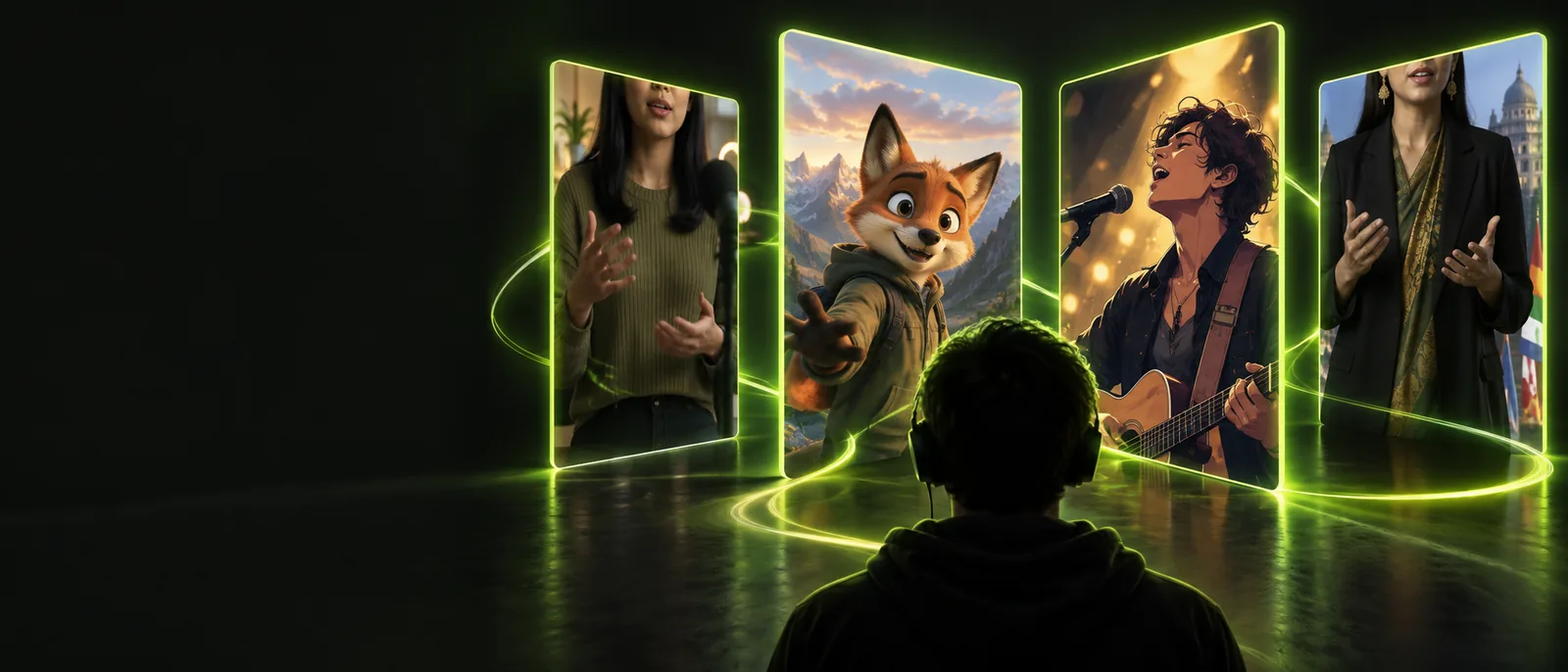
What This Variant Is
This workflow changes the input from recorded footage to a still image. It is useful when you have a portrait, illustration, avatar, or product face but no live performance to film.
Why A to B
The A-to-B path is simple: preserve the identity and framing of the source image, then add timed facial motion driven by sound.
-
1
Choose a strong still
Use a forward-facing image with visible eyes, nose, and mouth. A clean crop gives the animation more reliable facial landmarks.
-
2
Add the performance
Provide a spoken line, vocal take, or song section with a clear rhythm. The sound becomes the timing reference for the mouth shapes.
-
3
Review the motion
Check the first and last seconds, consonants, and expression changes. Regenerate with a better crop or cleaner audio if the result feels unstable.
The Tool Block
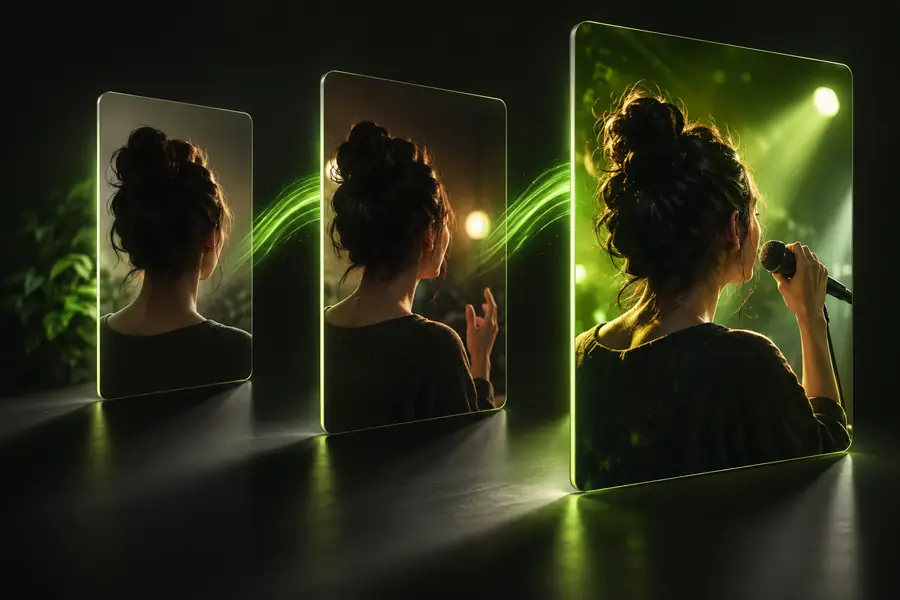
The comparison below shows the intended transformation: a static source on the left and a voiced, animated result on the right.
- A: still image
- B: lip-synced video
The output adds timed mouth movement while keeping the source face and overall composition recognizable.
What This Route Cannot Do
Image-to-video lip sync is practical, but it is not a replacement for a full character animation pipeline or a controlled film shoot.
-
It cannot invent a perfect side profile
A single front-facing image provides limited information about the hidden side of a face, so turns may look soft or inconsistent.
WorkaroundKeep the subject mostly frontal and choose a crop with both eyes and the full mouth visible.
-
It cannot repair unclear audio
Muffled speech, heavy background noise, and clipped singing make timing harder to follow and can produce uneven mouth shapes.
WorkaroundUse a clean vocal or speech recording and trim silence before uploading it.
-
It cannot guarantee every expression
Lip timing may look convincing while smiles, teeth, jaw depth, or emotional gestures remain restrained.
WorkaroundUse a more expressive source image and keep the requested line short and natural.
-
It cannot replace source rights
The tool can animate an image, but it does not grant permission to use a person's likeness, artwork, or recorded song.
WorkaroundUse media you created, licensed, or have clear permission to transform.
Image-to-Video Specs
Think of the route as a compact three-part pipeline rather than a filmed performance.
- 1 A portrait, illustration, or character still starts the workflow.
- 1 source image
- 2 Speech, singing, or a song supplies the timing reference.
- 1 audio track
- 3 The final output combines the still image with animated mouth movement.
- 1 video result
Give one still image a speaking role
Upload a face you have permission to use, describe the performance you want, and test the motion before refining the crop or audio. Lip Sync is built for quick experiments with portraits, avatars, songs, and short social clips.
Animate my image- Start from a clear front-facing image
- Use speech or music as the timing guide
- Refine the result with a shorter prompt
Image-to-Video Variant FAQ
It describes a workflow that starts with a still image and produces a video with mouth movement matched to speech or music. The image supplies the visible subject, while the audio supplies the timing.
Yes, a portrait is one of the most suitable starting points when the face is clear and mostly front-facing. Use an image you created, licensed, or have permission to animate.
Clean speech, singing, or a short song section usually gives the clearest timing reference. Avoid clipped recordings, strong background noise, and long stretches of silence.
Not necessarily. The route is strongest at visible mouth movement and modest facial motion; it does not reconstruct every hidden angle, body gesture, or detailed emotional performance from one still image.