Solo creator
Turn a portrait and a selected sound into a short performance clip without filming another take.
A believable talking or singing moment with a clear opening expression and an easy-to-follow beat.
lip sync for songsCreator workflow
Lip sync tiktok projects work best when the mouth movement, audio beat, framing, and first-second hook are planned together. Use a clear source clip and a focused sound to create a post that feels native to the feed.
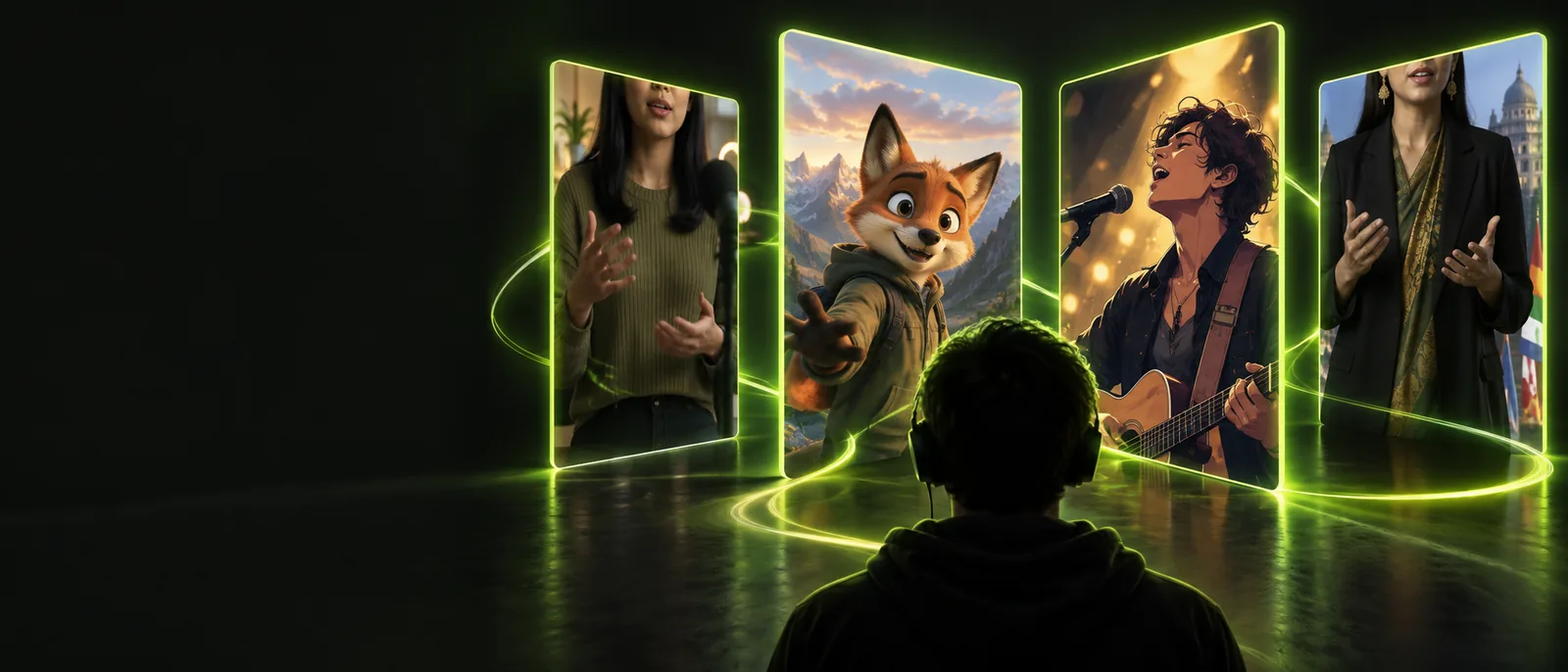
Related routes
A strong TikTok result is more than a mouth match: it must survive fast scrolling, mobile viewing, and the expectations of a short-form audience.
Use cases
Different TikTok formats need different priorities. Choose the outcome first, then keep the visual treatment simple enough to read on a phone.
Turn a portrait and a selected sound into a short performance clip without filming another take.
A believable talking or singing moment with a clear opening expression and an easy-to-follow beat.
lip sync for songsPair a reaction image or character visual with a recognizable line from a trending audio clip.
A punchy post where the face change lands with the joke instead of distracting from it.
TikTok lip-sync workflowGive a mascot, product presenter, or campaign character a short spoken line for a social launch.
A repeatable branded format with readable mouth movement and a visual hook in the opening frame.
lip sync for youtubeCreate a performance edit that follows a vocalist or scene while keeping the subject centered and recognizable.
A mobile-first clip that supports the sound rather than competing with it through unnecessary effects.
TikTok publishing stepsProduction flow
Use this short review loop before publishing. Each pass protects a different part of the viewer experience.
Choose a front-facing image or video with visible lips, steady lighting, and enough headroom for a vertical crop. Trim the audio to the exact phrase the viewer needs to hear.
Generate the movement against the selected sound, then check consonants, pauses, smiles, and expression changes at normal mobile playback speed.
Keep the strongest moment early, add readable captions when they help, and review the crop, cover frame, and on-screen text before exporting.
Visual check
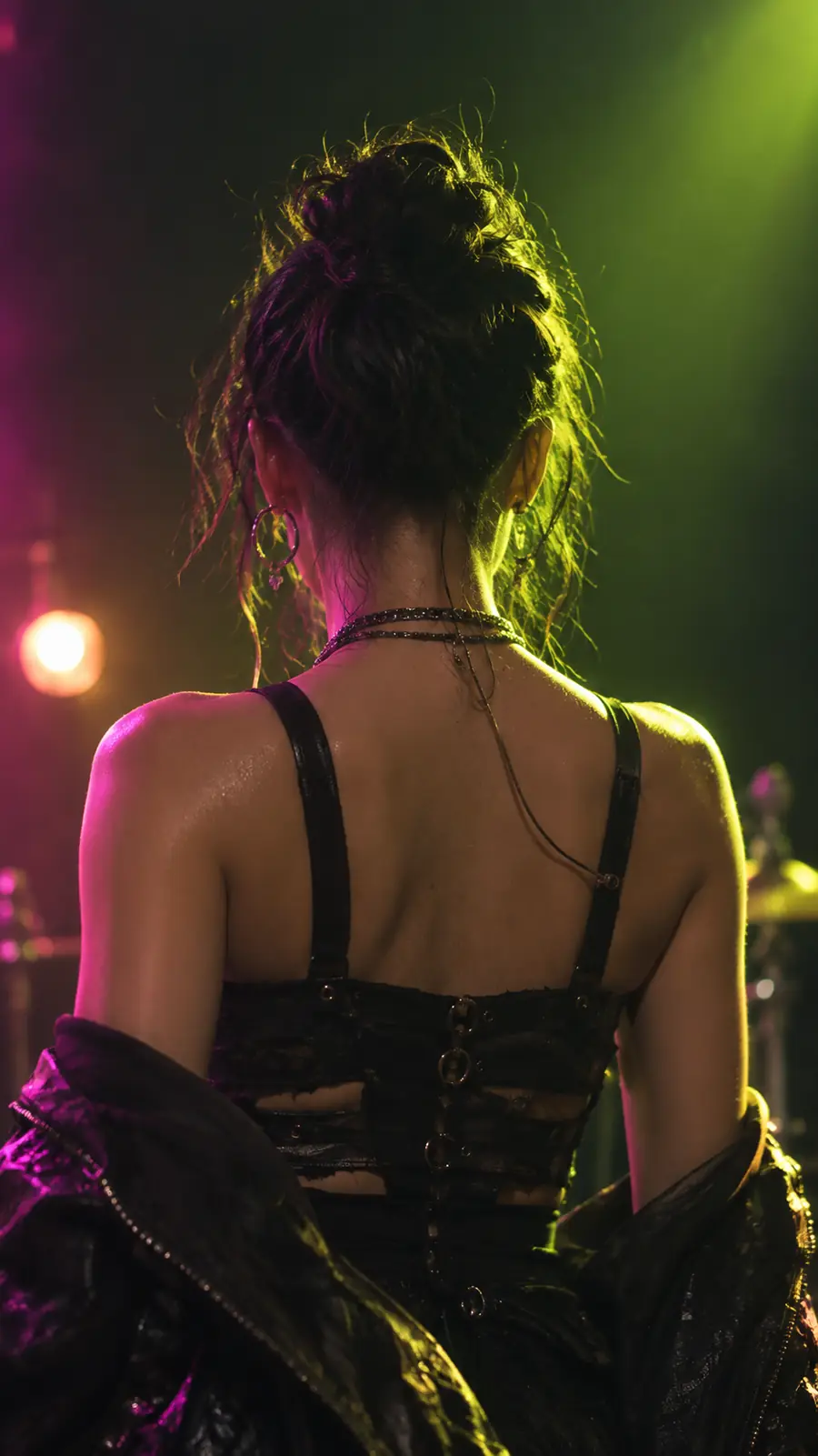
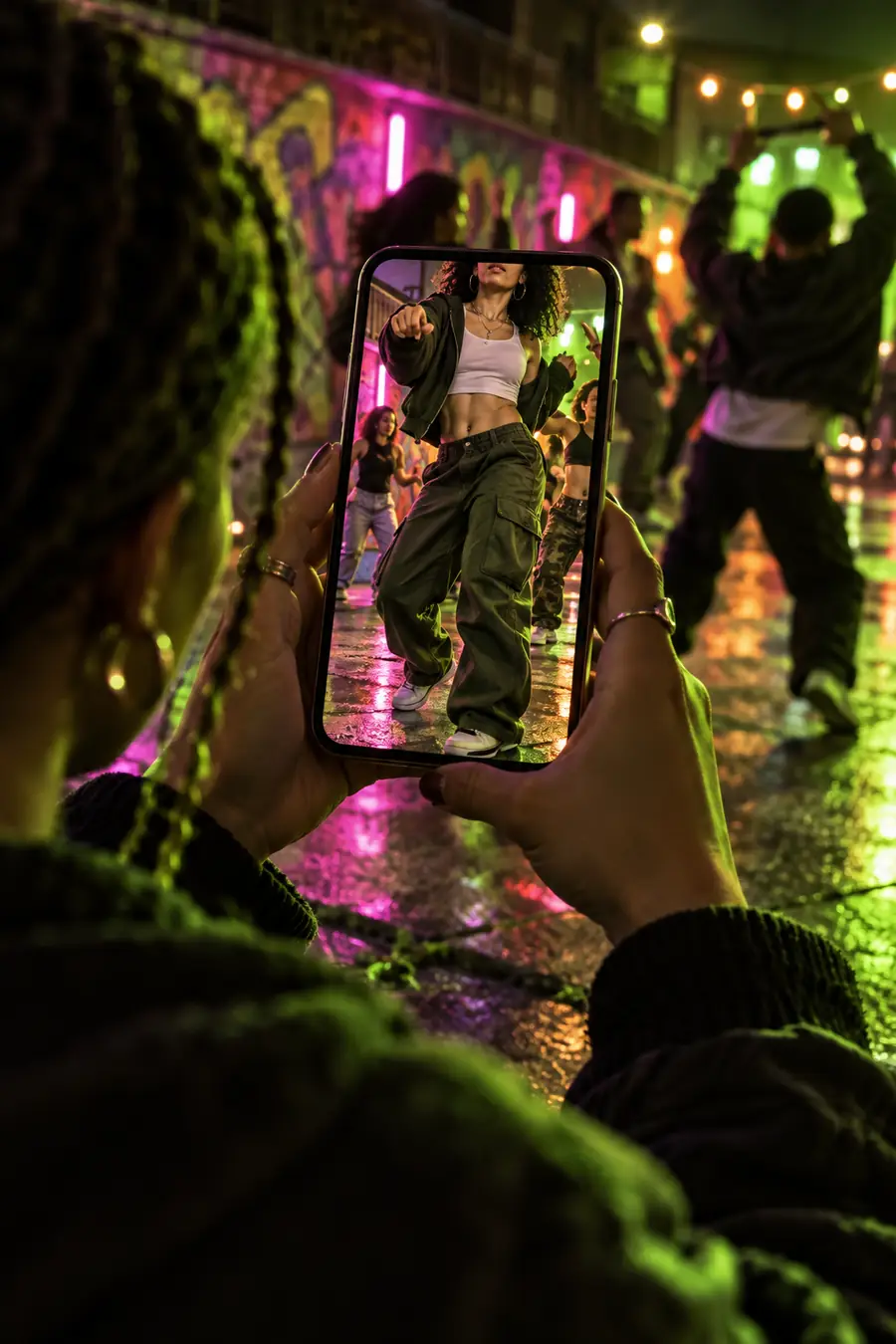
The useful difference is not just movement. It is whether the final frame keeps the subject readable while the sound and expression stay aligned.
Compare the mouth timing, crop, expression, and opening frame before publishing.
Honest limits
Some problems cannot be fixed by adding more effects. These are the issues most likely to send a short-form edit back for another pass.
A side profile, hand covering the face, heavy shadow, or very small subject gives the motion less visual information to follow.
WorkaroundUse a clearer front-facing source, brighten the face, or crop closer before generating.
Rapid lyrics, overlapping voices, strong reverb, or unclear starts can make the intended mouth shapes difficult to read.
WorkaroundTrim to a cleaner phrase, lower competing audio, or choose a section with distinct syllables.
Large captions, stickers, transitions, and background motion can hide the face even when the lip movement is accurate.
WorkaroundReserve a clean central area for the performer and move supporting text into safe margins.
TikTok may alter compression, audio availability, recommendation reach, or display treatment after upload; a good render cannot control those decisions.
WorkaroundKeep a clean export, verify the selected sound in the app, and preview the post on a phone before publishing.
Start with a clear visual, a focused audio section, and a simple reason for someone to keep watching. Lip Sync helps you move from source material to a reviewable performance without losing sight of the mobile feed.
Create TikTok videoQuick answers
A few practical answers for creators planning a short-form lip-sync post.
Natural results usually come from a clear, front-facing source, clean audio, and expressions that fit the line being performed. Review pauses and consonants as carefully as the larger mouth shapes, because small timing errors are noticeable in close-up clips.
Yes, either can work when the selected section has a clear beginning and understandable vocal timing. Keep the excerpt focused, and confirm that the sound is available and permitted for your intended post before publishing.
Rework is common when the source face is too small, turned away, shadowed, or partly covered. It can also happen when captions and effects obscure the mouth, so simplifying the crop and layout is often more useful than adding another effect.
Watch it once with sound to judge timing and once muted to check whether the expression and opening frame still communicate the idea. Then preview the crop, captions, cover image, and audio selection on a phone-sized screen.