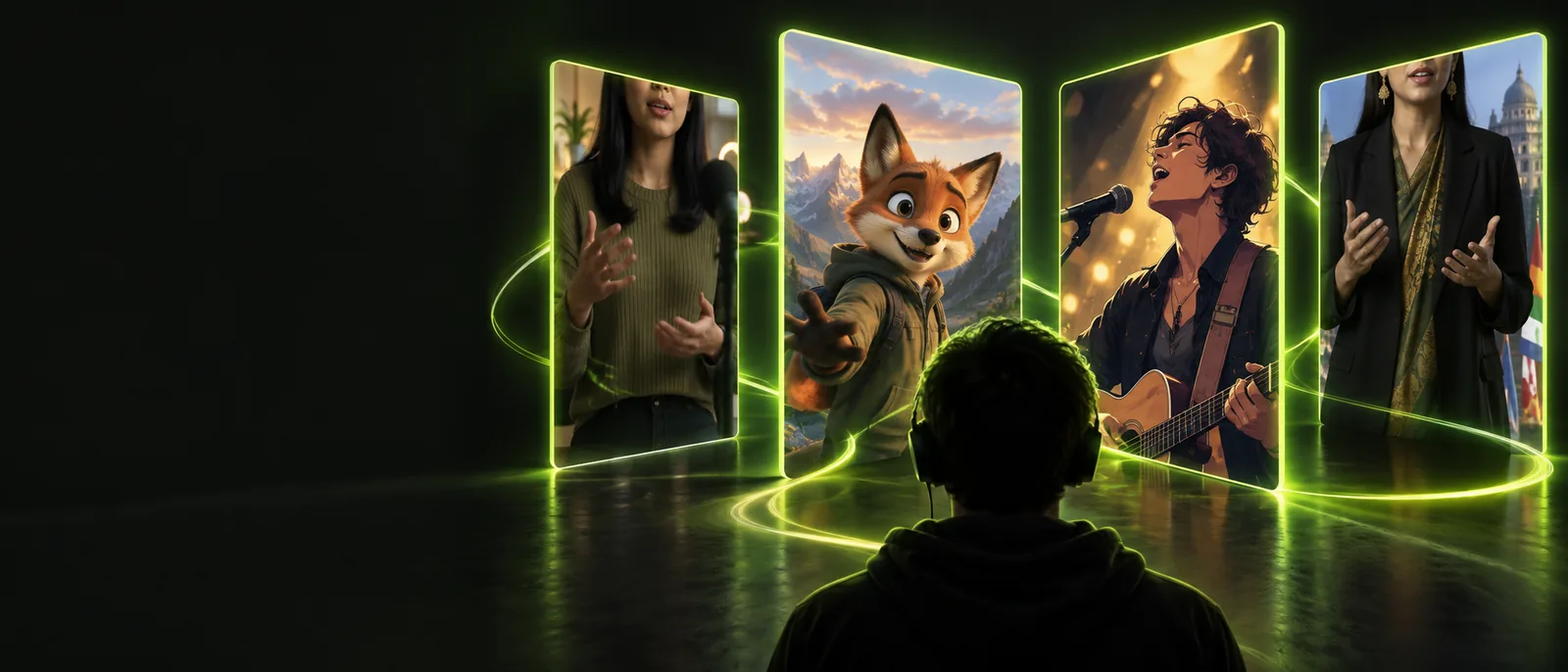
Lip sync for youtube content works best when it fits the audience, edit rhythm, and delivery habits you already use. Start with a source clip and a clean audio direction, then hand off the result for your normal review.
A dependable YouTube workflow does not ask the channel team to rebuild its process. It adds a focused synchronization pass between the creative source and the final upload.
1
Bring the source
Choose the talking-head clip, character performance, or music video segment that needs alignment. Keep the original edit and reference audio available so timing decisions remain easy to check.
2
Set the audio direction
Provide the dialogue, translated voiceover, or song section that should drive the visible mouth movement. A clean reference makes the intended phrasing easier to preserve.
3
Review the channel cut
Check the result in the same context as the rest of the episode: intro, captions, B-roll, music bed, and end screen. Export only after the sync supports the complete viewing experience.
1Common landscape ratio for YouTube viewing
16:9frame
2Full HD reference for a standard channel master
1080p
3Common production rate for video audio
48kHz
where we slot in
The right handoff depends on whether you are starting with a finished scene or building the final cut around a new voice track. This comparison keeps the synchronization pass visible without disrupting ownership of the edit.
Existing channel edit
Sync-ready handoff
1
Starting material
Existing channel edit
Finished or nearly finished video with a reference track
Sync-ready handoff
Video plus the clean dialogue, voiceover, or song to match
2
Editorial control
Existing channel edit
Editor controls pacing, cut points, captions, and surrounding B-roll
Sync-ready handoff
Editor keeps those controls while the mouth timing is adjusted
3
Best use
Existing channel edit
Stable episodes, interviews, explainers, and archived footage
Sync-ready handoff
Localized versions, replacement narration, and performance-led segments
4
Audio expectation
Existing channel edit
May include music, room tone, and mixed dialogue
Sync-ready handoff
Cleaner driving audio usually gives a more dependable result
5
Review point
Existing channel edit
Review after the sync pass inside the full timeline
Sync-ready handoff
Review the aligned shot before returning it to the timeline
6
Delivery role
Existing channel edit
The final upload remains part of the channel's normal export
Sync-ready handoff
The synchronized clip becomes a ready-to-edit or ready-to-publish asset
before/after
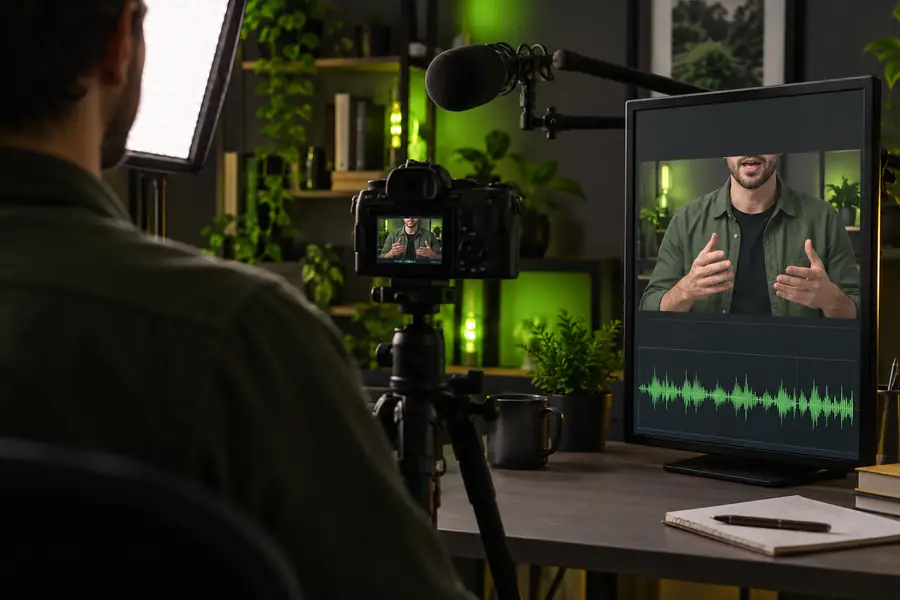
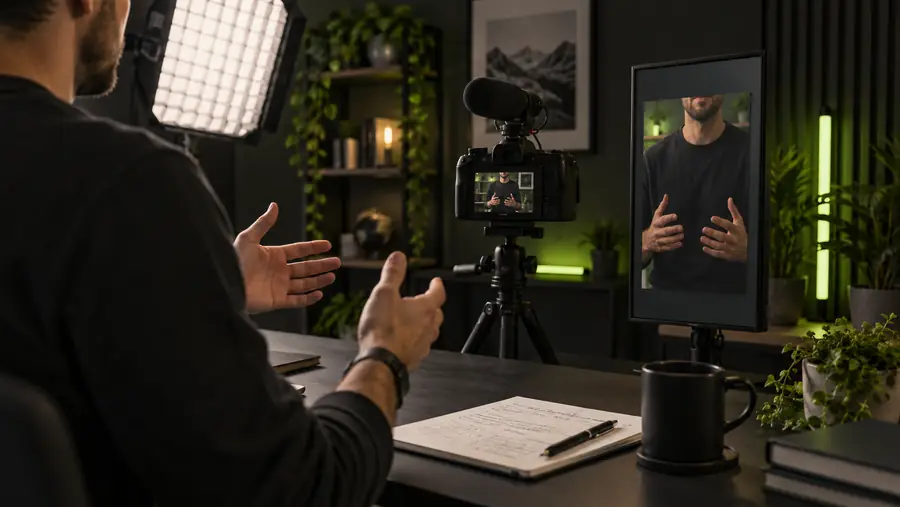
A strong result should look like the same creator or character speaking naturally, not like a separate effect pasted onto the episode. Compare the source state with the aligned version before you judge it inside the full cut.
Before: reference timing
After: aligned performance
Use the same framing, captions, and surrounding edit when reviewing the difference.
deliverable spec
Different channel teams need different handoffs, but the goal is consistent: a usable clip that can move into the existing publishing pipeline without a second creative rebuild.
Education channel
A presenter records the lesson before the final narration is approved, leaving the visible speech out of step with the replacement track.
The aligned segment can return to the lesson timeline while the editor retains captions, chapter timing, and B-roll decisions.
Bring your existing footage and audio direction together in one focused pass. Lip Sync helps you explore a synchronized version before it moves back into your edit, review, and publishing routine.
These practical answers cover the questions creators commonly ask when planning a lip-sync workflow for a YouTube channel.
It is used to align visible mouth movement with dialogue, voiceover, or sung audio in a video intended for a YouTube audience. Common scenarios include corrected lines, localized narration, music performances, and repurposed channel footage.
Yes, an existing clip can serve as the visual source for a new synchronization pass. Keep the original project or export available so the aligned section can be reviewed alongside captions, B-roll, music, and transitions.
No. It is best treated as one focused step inside the normal channel workflow. The editor still controls the cut, framing, captions, audio mix, thumbnail, metadata, and final upload.
Use the cleanest available dialogue, voiceover, or song section and identify the exact clip it should drive. Removing unnecessary background noise from the reference can make timing decisions easier, while the finished channel mix can be restored during final editing.